 Skip to content
Best IPTV Player for Apple TV: M3U and Xtream Apps 2026
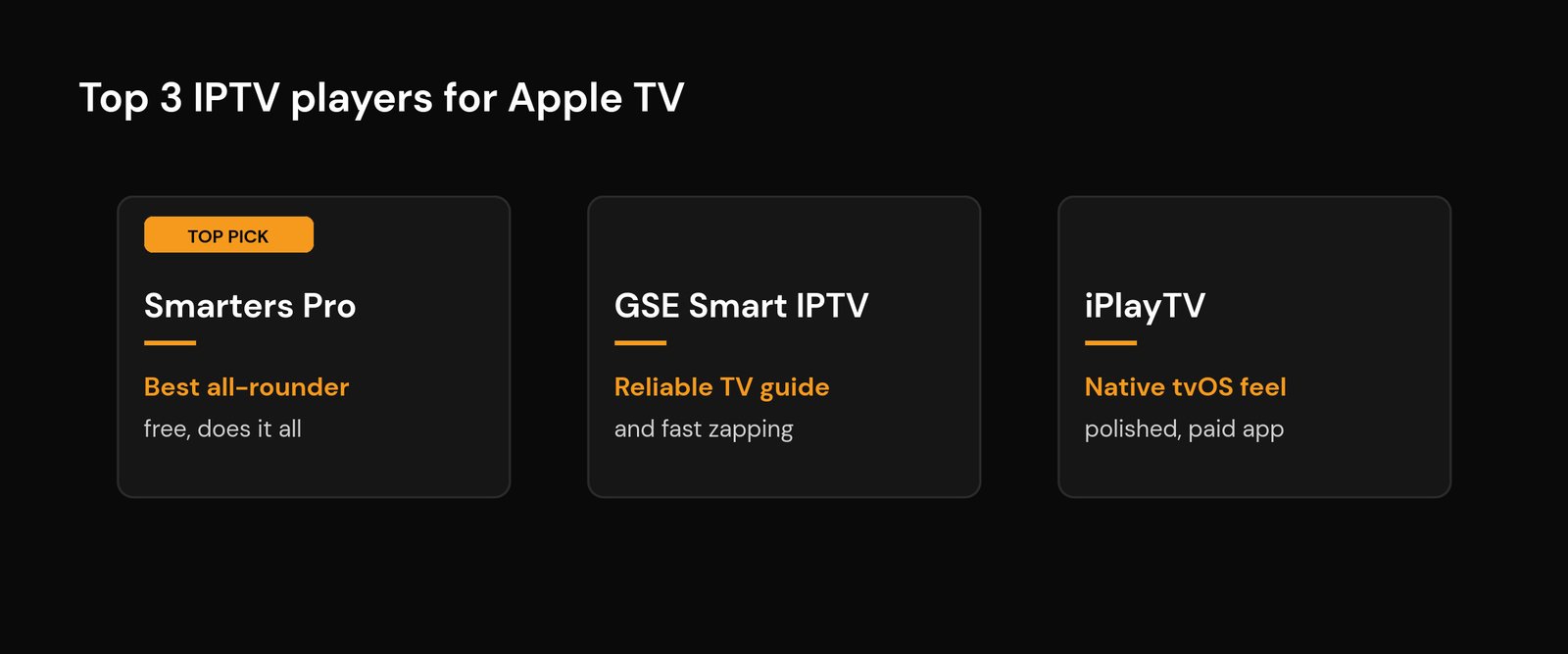
If you want the short version: the best IPTV player for Apple TV in 2026 is IPTV Smarters Pro for most people, GSE Smart IPTV if you want the most reliable channel-zapping and EPG, and iPlayTV if you want a player built natively for the big screen. All three install straight from the tvOS App Store, so there is no sideloading, no Mac, and no fiddly workarounds.
Apple TV is a little different from a Firestick or an Android box, and that difference shapes which apps you can actually use. Below is what works, what to skip, an honest feature-by-feature comparison, and a setup walkthrough that takes about five minutes.
Quick answer: the top picks
Every app here is on the official Apple TV App Store and supports a standard M3U playlist or a Xtream Codes login from your provider. Pick by how you watch:
| App | M3U | Xtream Codes | EPG (TV guide) | Best for | Cost |
|---|---|---|---|---|---|
| IPTV Smarters Pro | Yes | Yes | Yes | All-rounder, multiple playlists | Free |
| GSE Smart IPTV | Yes | Yes | Yes | Reliable zapping, accurate guide | Free / paid tier |
| iPlayTV | Yes | Yes | Yes | Native tvOS feel, channel grid | Paid |
| IPTVX | Yes | Yes | Yes | iCloud sync across devices | Paid |
| VLC | Yes | No | No | Quick free testing only | Free |
Why Apple TV is different from a Firestick
On a Firestick or an Android TV box you can sideload almost anything. Apple TV is a closed system: in practice you install apps only from the tvOS App Store. Sideloading does technically exist, but it needs a Mac running Xcode or a tool like Sideloadly, a paid or free Apple Developer account, and a re-sign every seven days on the free tier. That is far too much hassle for a living-room device, so for nearly everyone the App Store is the only realistic route.
The upside is that Apple’s stricter review means the players that do make it onto tvOS tend to be stable and well-behaved. The downside is that a few popular apps from other platforms simply are not available here, so the names you may know from a Firestick install or a Samsung or LG Smart TV won’t all show up. The good news: the apps below cover everything a normal subscription needs. For the basics of what a player actually does, see our guide to how IPTV player apps work.
Coming from TiviMate? Read this first
A large share of people looking for an Apple TV player already know which app they want, and it is TiviMate. The short answer: TiviMate does not exist on Apple TV. It is built for Android TV and Fire OS, and tvOS has no practical sideloading route, so there is no version to install and no workaround worth your evening.
That is less painful than it sounds, because “I want TiviMate” almost always means one of three specific things. Find yours:
| What you actually wanted from TiviMate | Closest thing on Apple TV |
|---|---|
| The scrolling grid guide and fast channel zapping | GSE Smart IPTV. Its guide behaves the most like TiviMate’s and channel changes are the quickest of the tvOS apps. |
| Several playlists side by side in one app | IPTV Smarters Pro or IPTVX. Both hold multiple playlists and let you switch without re-entering credentials. |
| Heavy channel reordering, custom groups, hiding channels | iPlayTV gets closest, but none of the tvOS apps match TiviMate Premium here. This is the feature you genuinely lose. |
Recording is the other honest gap. TiviMate’s built-in recording has no real tvOS equivalent. If that is your main reason for wanting it, the answer is an Android TV box sitting alongside the Apple TV, not a different tvOS app — and it is better to know that now than after three downloads.
Do you need an “M3U player” or an IPTV app? Same thing
Plenty of people search for an M3U player for Apple TV rather than an IPTV player, usually because a provider handed over a long link ending in .m3u and explained nothing. Both phrases describe the same category of app. An M3U file is just a playlist — a text list pointing at stream addresses — and every app on this page opens one.
What actually matters is how you sign in:
- M3U URL. One long link with your username and password buried inside it. Works everywhere, but the app has to re-download the whole list to notice changes, and the TV guide is usually a separate step.
- Xtream Codes login. A server address, a username and a password in three fields. The app pulls channels, categories and the guide together, which is why groups and the EPG behave better.
If your provider gives you both, use the Xtream Codes login. If you only have the M3U link, everything here still works. One more per-app difference worth checking before you commit: subtitle handling varies a lot between tvOS players, and a stream whose subtitles refuse to appear in one app will often show them fine in another.
Apple TV the box, or the app on it? Two different questions
Two questions get typed almost identically. “IPTV on Apple TV box” sometimes means which app do I install on the Apple TV I own, and sometimes means should I buy an Apple TV to watch IPTV on. This guide answers the first. On the second, the honest position is that the hardware is excellent but expensive for this particular job: it is fast, supported for years, and has the best remote of the bunch — and it costs several times what a stick running the same class of player costs, with fewer player options because everything must come from the tvOS App Store. Already own one? Use it. Buying purely for IPTV? The money goes further elsewhere.
The best IPTV players for Apple TV, one by one
IPTV Smarters Pro – best all-rounder
Smarters Pro is the default recommendation because it does everything most people need without a learning curve. It takes both an M3U URL and an Xtream Codes login, handles multiple playlists so the whole household can have its own, pulls in the EPG, and has a tidy live, movies, and series layout. It is free, the tvOS build is well optimised, and if you have ever used it on a phone the interface will feel familiar. If you are not sure where to start, start here.
GSE Smart IPTV – most reliable guide and zapping
In 2026 testing, GSE Smart IPTV is one of the most-used players on Apple TV 4K, and it earns it: channel switching is quick, the EPG stays accurate, and it handles high-bitrate 4K feeds cleanly. It supports M3U and Xtream Codes, lets you organise channels into groups, and has solid parental controls. There is a free tier and a low-cost paid upgrade that removes limits. Pick GSE if a dependable, correct TV guide matters more to you than a flashy interface.
iPlayTV – most native big-screen experience
iPlayTV is built specifically for Apple TV rather than ported from mobile, and it shows. You get a proper channel grid, live preview thumbnails, picture-in-picture, and a full EPG, with support for both M3U and Xtream Codes. It is a paid app, but it is a one-time feel-at-home experience that suits people who want the player to look like it belongs on tvOS. If you care about polish, this is the one.
IPTVX – best for multiple Apple devices
IPTVX leans on iCloud sync, so your playlists, favourites, and watch history follow you across Apple TV, iPhone, iPad, and Mac without re-entering anything on each one. It supports M3U, Xtream Codes, and EPG, and has a clean modern interface. If your household lives inside the Apple ecosystem and you switch between the TV and a phone a lot, the sync alone can be worth the price.
VLC – free, but for testing only
VLC is the free, trustworthy way to confirm a new subscription actually plays before you commit to a paid player. It opens an M3U link and plays almost any video format you throw at it. The catch: it has no EPG and no Xtream Codes support, so there is no real TV guide and no tidy channel management. Use it to test, then move to one of the dedicated players above for daily watching. VLC’s open-source roots are documented on Wikipedia.
A note on Infuse
Infuse is a beautiful app and many Apple TV owners already have it, but it is built for on-demand and local files, not live TV. It can open an M3U link in a limited way, but there is no Xtream Codes support, no EPG, and no channel groups. Keep Infuse for your movie library and use a real IPTV player for live channels.
How to set up IPTV on Apple TV (about 5 minutes)
The flow is the same whichever player you choose. Have your provider details ready first: either an M3U URL, or an Xtream Codes login (server URL, username, and password). If you have not picked a service yet, read how to choose a reliable provider first.
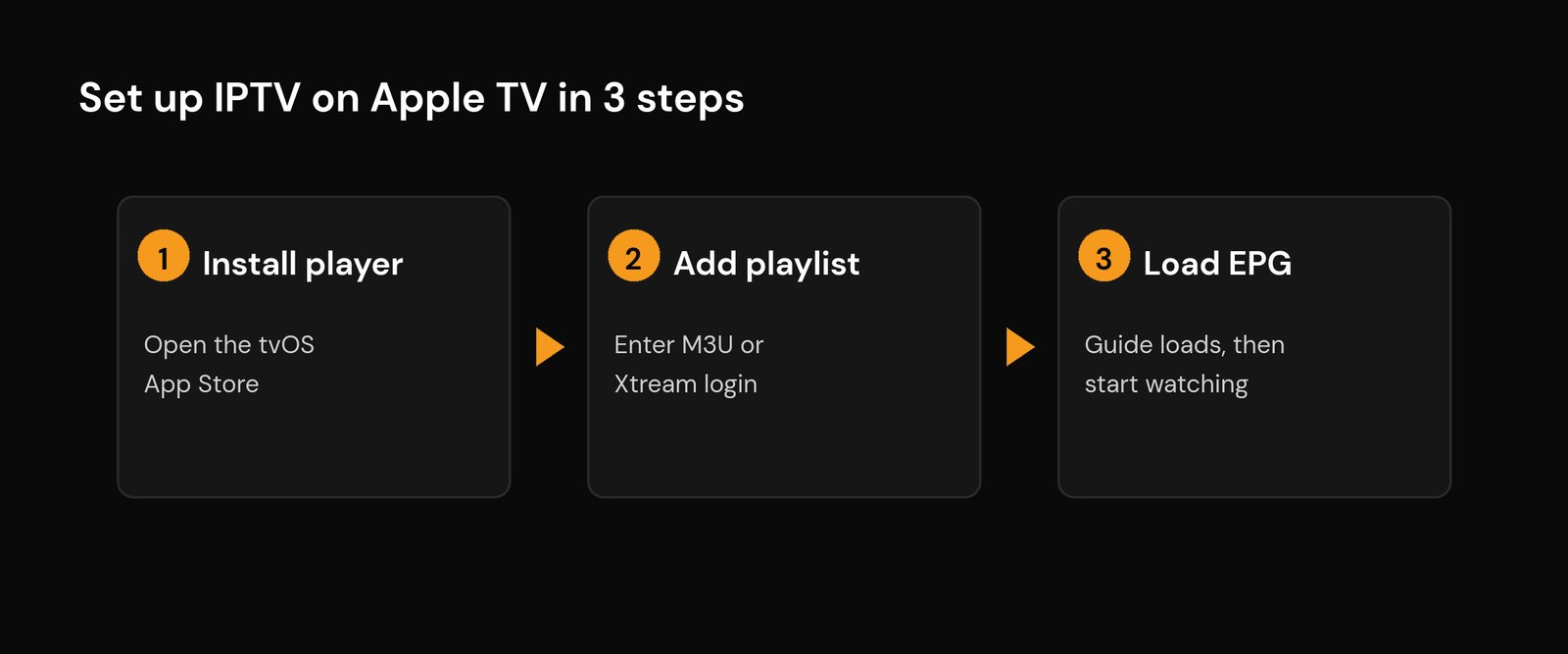
Step 1 – Install the player. On your Apple TV, open the App Store, search for your chosen player (for example IPTV Smarters Pro or GSE Smart IPTV), and install it. Typing is easier if you use the Apple TV Remote app on your iPhone or a connected keyboard.
Step 2 – Add your playlist. Open the player and choose how to log in. For Xtream Codes, enter the server URL, username, and password. For M3U, paste or type the playlist URL. Give the profile a name and save it. Xtream Codes logins are usually steadier than M3U links, which can expire and need re-pasting.
Step 3 – Load the EPG and start watching. Most players pull the TV guide automatically from an Xtream login. With M3U you may need to add the EPG (XMLTV) URL separately in settings. If the guide is blank or the times are off, our EPG setup and fixes guide walks through it. Once channels load, you are done.
Get the smoothest playback on Apple TV
The app is only half the picture; your network is the other half. A few things make the biggest difference:
- Use a wired or strong 5GHz connection. Apple TV 4K has fast Wi-Fi, but an Ethernet adapter is the most stable option for 4K. See the best Wi-Fi settings for IPTV if you must go wireless.
- Have enough speed. HD needs little, but 4K wants headroom, especially with other devices online. Here is exactly how much internet speed you need.
- If it stutters, it is usually the connection. Constant freezing during busy hours points at the network or the provider, not the app. Work through our fix-IPTV-buffering steps.
- Pick a stable service. The smoothest player cannot save a weak feed. A legal, stable IPTV service is the foundation everything else sits on.
Which IPTV player should you pick?
If you want one answer: install IPTV Smarters Pro first, because it is free and covers every common need. If your TV guide is wrong or channels are slow to switch, try GSE Smart IPTV. If you want the most polished, made-for-tvOS feel and don’t mind paying once, go with iPlayTV. If you juggle several Apple devices, IPTVX and its iCloud sync will save you time. And keep VLC around purely to test a new line. Apple TV itself, and the tvOS platform it runs, are well suited to streaming once a proper player is in place; for the wider picture of how IPTV delivers channels over the internet, the background is worth a read.
Related guides
- What is an IPTV app? How players work
- How to set up IPTV on any device
- Set up IPTV on a Samsung or LG Smart TV
- How to install IPTV on a Firestick
- How much internet speed you need for IPTV
- Set up IPTV on a Roku
FAQ
What is the best free IPTV player for Apple TV?
IPTV Smarters Pro is the best free option for most people because it supports M3U, Xtream Codes, and the EPG with no cost. VLC is also free but only plays M3U streams with no TV guide, so it is better for quick testing than daily use.
Can I sideload an IPTV app onto Apple TV?
Technically yes, but it is impractical. It requires a Mac with Xcode or a tool like Sideloadly, an Apple Developer account, and a re-sign every seven days on the free tier. For a living-room device, installing from the tvOS App Store is the realistic choice, and the App Store players cover everything a normal subscription needs.
Does IPTV on Apple TV support 4K?
Yes. Apple TV 4K plays 4K IPTV feeds well when the channel is broadcast in 4K and your connection has enough headroom. Use a wired connection or strong 5GHz Wi-Fi, and make sure your plan has the speed for it, as 4K needs far more than HD.
Why is my TV guide blank in the player?
Usually the EPG was not loaded. An Xtream Codes login normally pulls the guide automatically; an M3U setup often needs the EPG (XMLTV) URL added separately in the app settings. A timezone mismatch can also shift programmes to the wrong times, which is fixable in the player’s EPG settings.
Do I need a separate box if I have an Apple TV?
No. An Apple TV already is your streaming box, so you just install an IPTV player on it and add your playlist. There is no need for a dedicated IPTV receiver on top of it.






