Skip to content
What Is an M3U Playlist? How It Works in IPTV (2026)
An M3U playlist is a plain text file that lists where your channels live. Each entry pairs a channel name with the web address of its video stream, so when you load the file into an IPTV app, the app reads the list top to bottom and builds your channel grid automatically. That is the whole idea. The file does not hold any video itself – it is a table of contents that points your player at the streams, the same way a music playlist points your phone at songs instead of containing the audio.
If a provider has ever handed you a long link ending in .m3u or .m3u8 and said “paste this into your app,” you have already used one. Below is exactly what is inside that file, how an M3U link differs from an Xtream Codes login, how to load it in the common players, how to bolt on a TV guide, and the handful of errors that trip almost everyone up.
What an M3U file actually contains
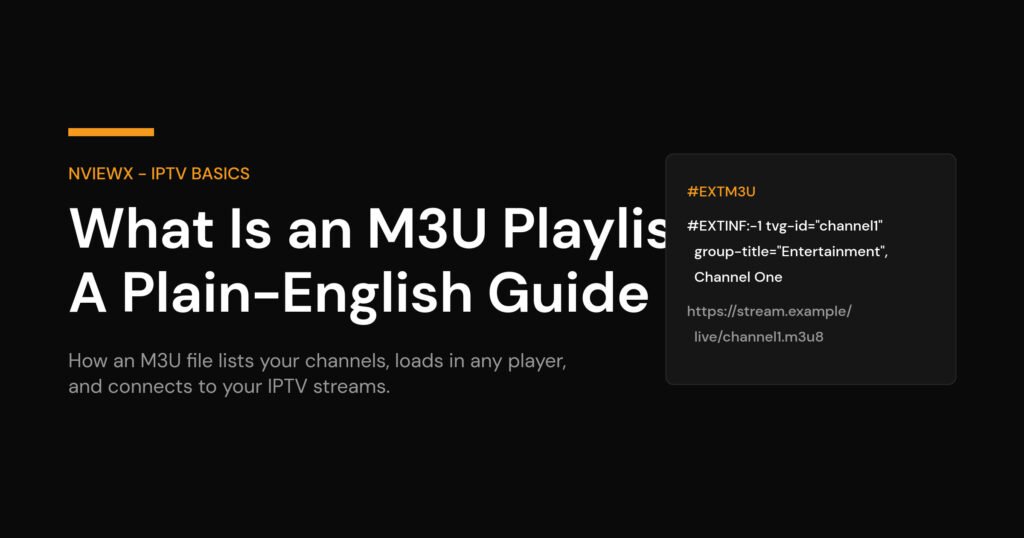
Open an M3U in any text editor and you will see a repeating two-line pattern. The first line of the whole file is always the header #EXTM3U – that single tag tells the player “this is an extended playlist, expect attributes.” After that, every channel is described by an #EXTINF line followed by the stream URL on the line beneath it.
Here is one generic entry with placeholder data (never real channel names):
#EXTM3U
#EXTINF:-1 tvg-id="channel1.example" tvg-name="Channel One" tvg-logo="https://logos.example/ch1.png" group-title="Entertainment",Channel One
https://stream.example/live/channel1.m3u8
Reading that #EXTINF line left to right: the -1 is the duration, and for live TV it is always -1 because a live stream has no fixed length. Everything after it is optional metadata the app uses to make the list look right:
| Attribute | What it does | |
|---|---|---|
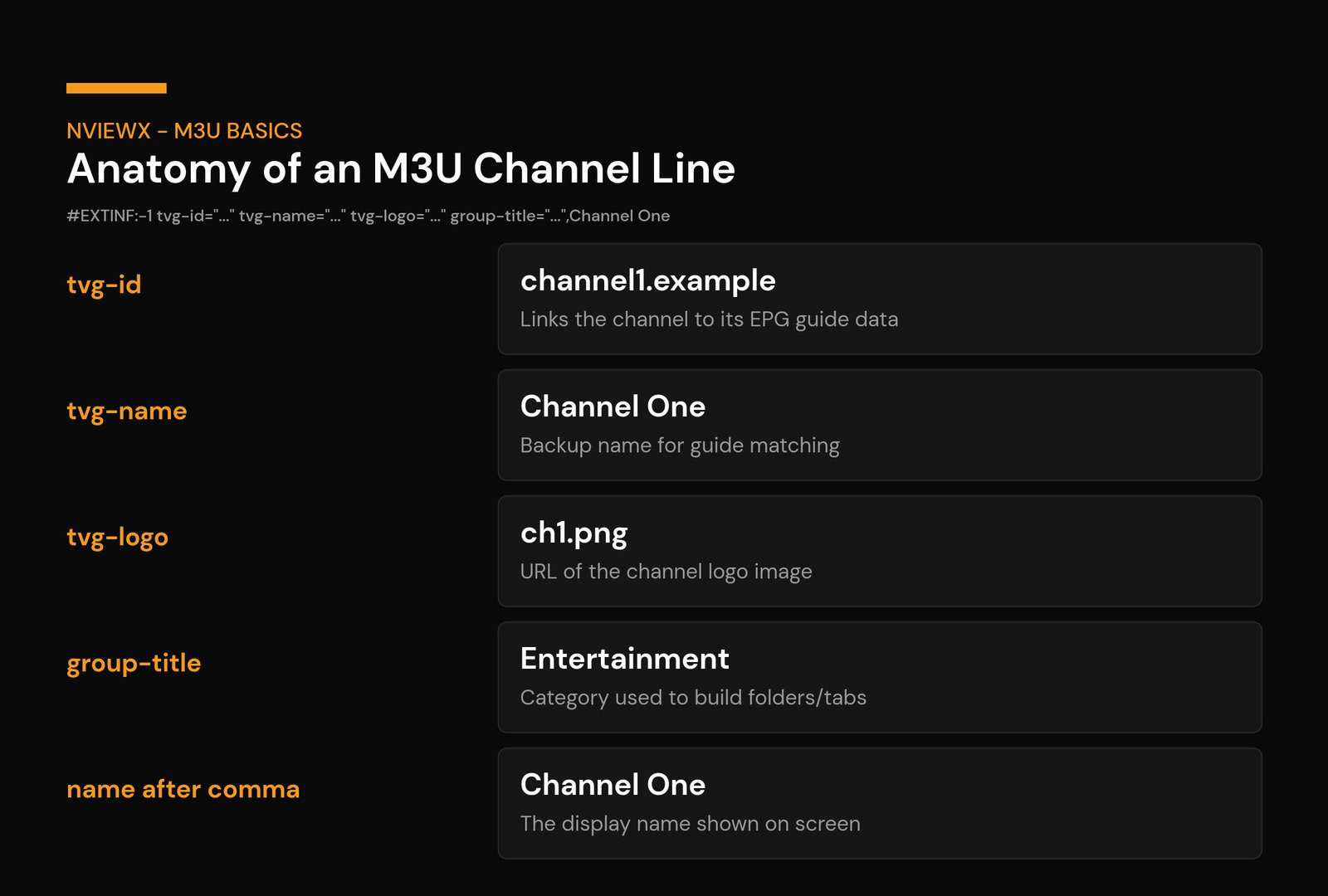
tvg-id | The ID that links a channel to its guide data. It must match the channel ID inside your EPG file or no guide shows up. This is the single most important attribute for getting a working TV guide. | |
tvg-name | A canonical name used as a backup way to match a channel to its guide when the ID is missing. | |
tvg-logo | A direct link to a logo image (PNG or JPG). This is why some lists show channel icons and others show plain text. | |
group-title | The category the channel is filed under. The app uses this to build folders or tabs so a 5,000-channel list is actually navigable. | |
| name after the comma | The display name shown on screen. Whatever sits right after the final comma is what you see in the channel list. |
| M3U URL | Xtream Codes | |
|---|---|---|
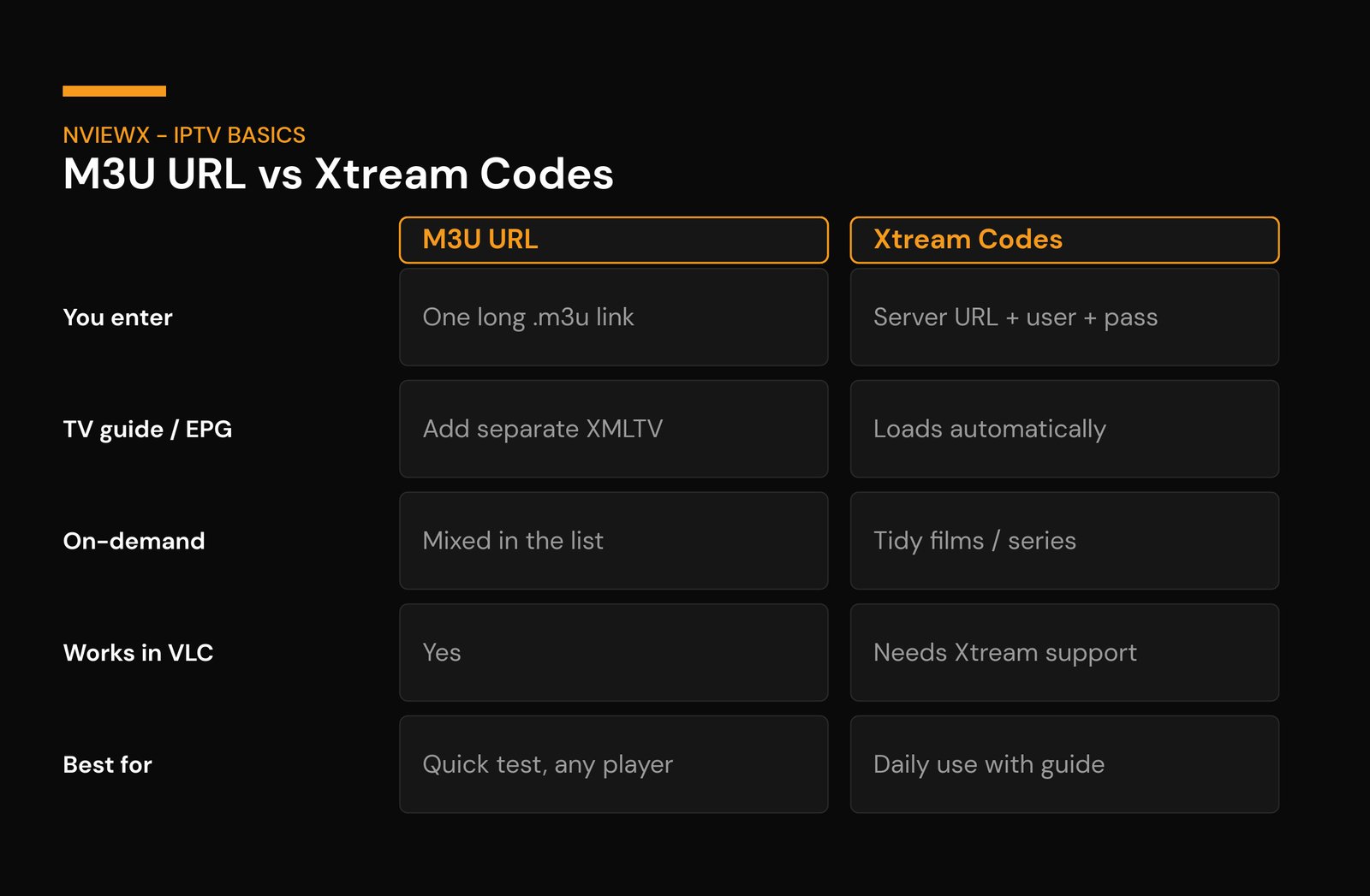
| What you enter | One long link ending in .m3u or .m3u8 | Server URL + username + password (3 fields) |
| EPG / TV guide | Not included – you add a separate XMLTV link | Loads automatically from the server |
| On-demand library | Usually mixed into the channel list, if present | Split into tidy films / series sections |
| Updates | Whole list re-downloads on refresh | App fetches only what changed |
| Works in basic players | Yes – even VLC can open it | Needs an app that supports the Xtream login |
| Best for | Quick setup, any player, testing a service | Day-to-day use with guide + on-demand |
| Symptom | Usual cause & fix |
|---|---|
| Empty channel list after loading | A typo in the URL, or it expired. Copy-paste the link fresh from the provider; test it in VLC to confirm it returns a list at all. |
| List loads but nothing plays | Often a connection-limit hit (the line is already streaming on another device) or a server outage. Close other sessions, or wait and retry. |
| Guide is blank on some channels | Mismatched tvg-id vs the XMLTV IDs, or you never added the EPG URL. Add the EPG; if it is added, the IDs do not line up. |
| No logos showing | Missing or dead tvg-logo links. Cosmetic only – playback is unaffected. |
| List works one day, dead the next | The provider rotated the URL or the subscription lapsed. Get a fresh link; if it keeps happening, the service is unstable. |
| Constant buffering | Network or server side, not the M3U. Try wired Ethernet, restart the router, or test a different time of day. |
The one diagnostic worth memorizing: when something breaks, open the M3U URL in VLC. If it plays there, your list and stream are healthy and the problem is your main app’s settings. If it fails in VLC too, the issue is the link or the provider – not anything you configured.
A quick word on staying legal and safe
An M3U file is just a text format – completely neutral and used legitimately for everything from internet radio to in-house video. What matters is where the streams it points to come from. Stick to providers that hold proper rights to the content they carry, and be wary of any list promising every premium channel on earth for a few dollars – that is the classic profile of an unlicensed service, and those links tend to die without warning anyway. If you want to choose a service the right way, see how to get a legal IPTV service, and our explainer on what an IPTV service actually is for the bigger picture. For background on the format itself, the M3U entry on Wikipedia documents its history, and Internet Protocol television covers how IPTV delivery works under the hood.
Want channels that just work without wrestling with files? Nviewx gives you a ready-to-go M3U URL and Xtream login with the EPG already wired up – paste it once and you are watching.
Frequently asked questions
What is an M3U playlist in simple terms?
It is a text file that lists your channels and the web address of each channel’s stream. You load it into an IPTV app, the app reads the list, and your channel grid appears. The file points at the video – it does not contain it.
What is the difference between M3U and M3U8?
They are the same playlist format; .m3u8 is just saved in UTF-8 so accented and non-Latin channel names display correctly. The .m3u8 extension is also used by HLS, the protocol most live IPTV streams use. For loading a channel list, treat them as the same thing.
Can I open an M3U file in VLC?
Yes. On desktop go to Media → Open Network Stream, paste the M3U URL, and play. VLC will not show logos or a TV guide, but it is the quickest way to confirm a stream actually works.
Why is my channel list empty after I add the M3U?
Almost always a mistyped or expired URL. Copy-paste the link directly from your provider rather than typing it, and test it in VLC – if VLC returns nothing either, the link itself is dead and you need a fresh one.
Do I need an M3U if I use Xtream Codes?
No. Xtream Codes (server URL plus username and password) and an M3U URL are two ways to deliver the same channels. Use the Xtream login if your app supports it – the guide and on-demand library load automatically. The M3U URL is the fallback that works in almost any player.
How do I get a TV guide with my M3U?
Add the separate XMLTV (EPG) link your provider supplies into your app’s EPG field. The app matches each channel’s tvg-id to the guide data. If some channels stay blank, those IDs do not match the EPG.
Is using an M3U playlist legal?
The format itself is completely legal – it is plain text. Legality depends entirely on whether the streams it points to are licensed. Use providers that hold proper rights, and avoid lists that promise everything for almost nothing.
Why do some channels have logos and others do not?
Logos come from the tvg-logo attribute in each entry. If it is missing, or the image link is broken, you see plain text instead. It is purely cosmetic and has no effect on whether the channel plays.