 Skip to content
Best Fire TV Stick for IPTV in 2026: Which Firestick to Buy?
By Nviewx · Updated July 2026 · ~8 min read
The best Fire TV Stick for IPTV in 2026 is the Fire TV Stick 4K Max: it has the fastest chip, the most storage, Wi-Fi 6E, and it still lets you sideload any IPTV player you want. Want to spend less? The 4K Plus does the same job, just a touch slower. The one trap to dodge is Amazon’s newest budget sticks — the 2026 HD model and the 4K Select — which run a new system called Vega OS that can’t sideload apps at all.
We set up and test streams on Fire TV devices most days, so this guide is written around what actually matters once you’re watching live TV every night, not just the spec sheet. Here’s how the current lineup shakes out for IPTV, and which one to put in your cart.
The short answer: which Firestick is best for IPTV?
If you don’t want to read the whole thing, here’s the call:
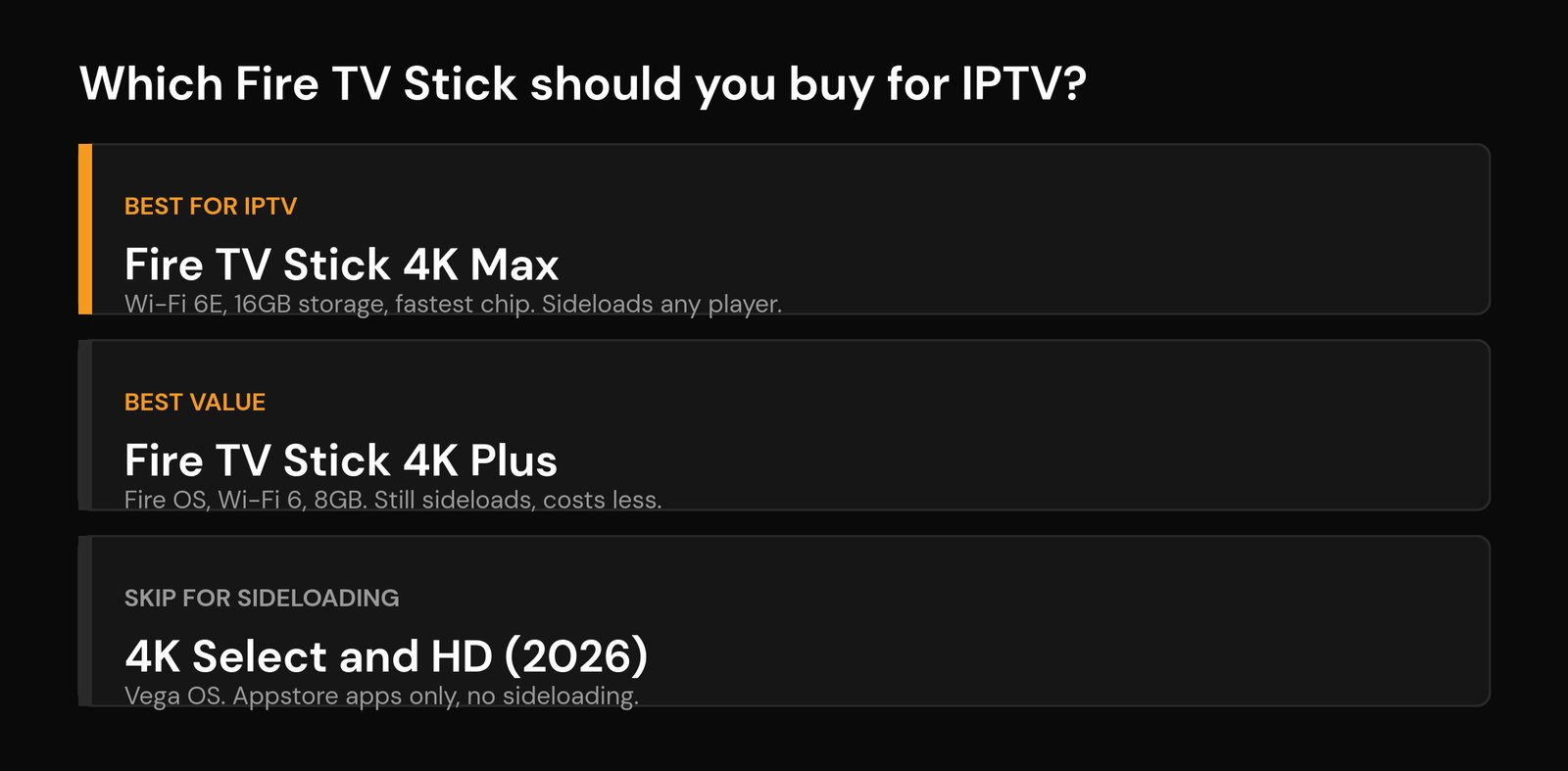
- Best for IPTV — Fire TV Stick 4K Max. Fastest navigation, 16GB storage, Wi-Fi 6E, sideloads anything. The one to get if you live in your player.
- Best value — Fire TV Stick 4K Plus. Runs the same Fire OS software and still sideloads, with Wi-Fi 6 and 8GB of storage for less money.
- Skip for serious IPTV — 4K Select and HD (2026). They’re cheap and fine for casual use, but Vega OS locks you to the app store.
The 2026 Fire TV Stick lineup at a glance
Amazon’s stick range is now a clear three tiers — value, mainstream, and power — but they no longer all run the same software, and that’s the part that bites IPTV users. Here’s the whole current lineup side by side, ranked by how well it handles IPTV.
| Model | System | Sideloading | Video | Wi-Fi | Storage |
|---|---|---|---|---|---|
| 4K Max (2nd gen) | Fire OS | Yes | 4K, Dolby Vision | Wi-Fi 6E | 16GB |
| 4K Plus | Fire OS | Yes | 4K, Dolby Vision | Wi-Fi 6 | 8GB |
| 4K Select | Vega OS | No | 4K | Wi-Fi 5 | Limited |
| HD (2026) | Vega OS | No | 1080p | Wi-Fi 5/6 | Limited |
Prices move around constantly and these sticks go on sale often, so check the current price before you buy — but as a rough guide the HD sits at the bottom, the 4K Plus in the middle, and the 4K Max at the top.
The one thing that decides it for IPTV: Fire OS vs Vega OS
This is the part most “best Firestick” lists skip, and it’s the single most important factor for IPTV. Two of the current sticks run Fire OS (the older, Android-based system), and two run Vega OS (Amazon’s new Linux-based system). Only Fire OS lets you sideload apps — that is, install a player that isn’t in Amazon’s app store, usually through the Downloader app.
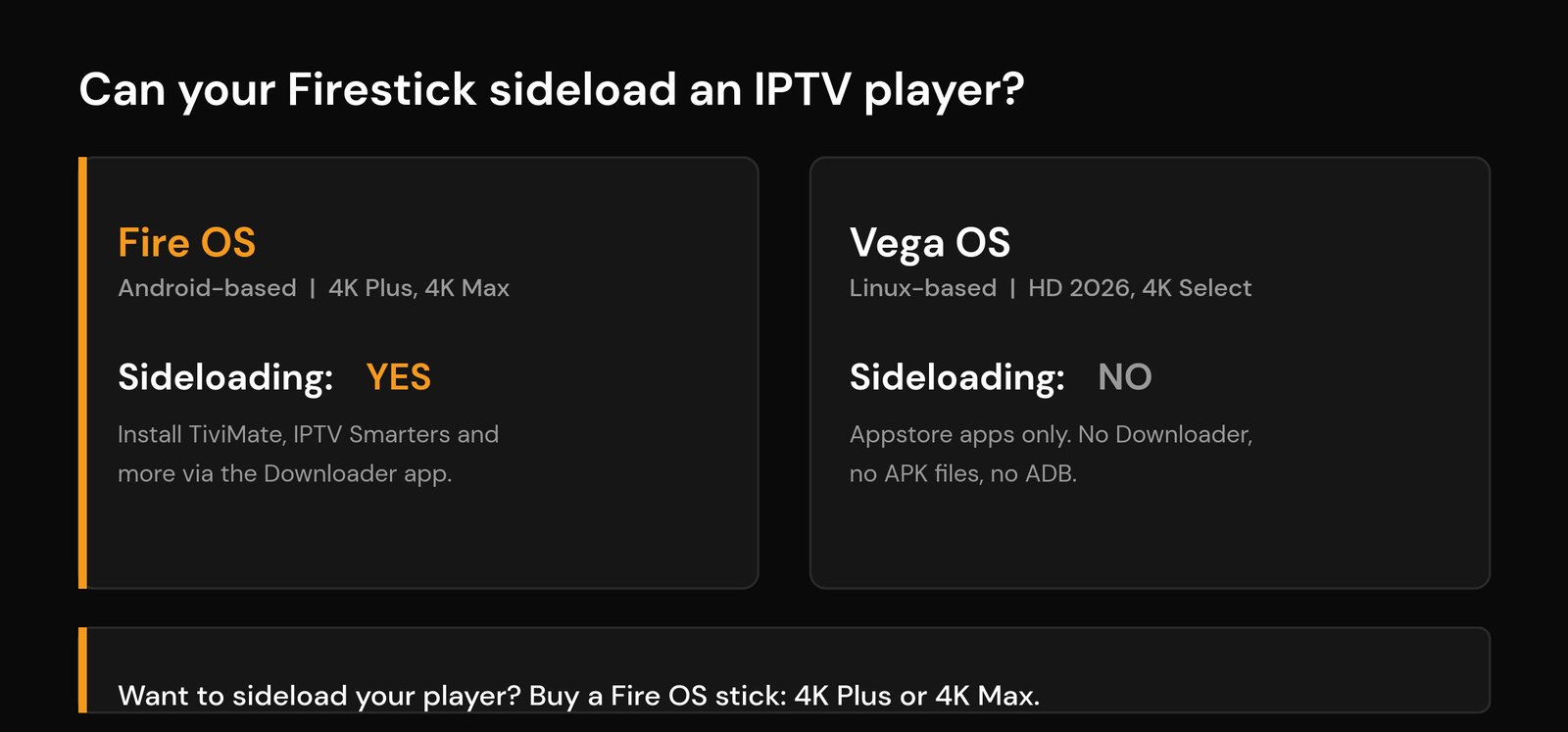
Why does that matter? A lot of the most popular IPTV players aren’t in the Amazon app store, so the usual way to get them onto a Firestick is to sideload them. On a Vega OS stick that route is gone — no Downloader, no APK files, no developer-mode trick. It isn’t a setting you can flip; the system simply doesn’t support it. You’re limited to whatever IPTV apps Amazon happens to list.
So the rule is simple: if you want to choose your own player, buy a Fire OS stick — the 4K Plus or the 4K Max. Amazon has signalled that future sticks will all move to Vega OS, which is a good reason to grab a Fire OS model while they’re still on shelves. If you only ever use a store app, a Vega OS stick is fine; just know the ceiling before you spend.
Fire TV Stick 4K Max: the best Firestick for IPTV
The 4K Max is the one we reach for. It has the quickest chip in the stick range (a 2.0GHz quad-core), so the channel grid and your guide open without that half-second lag the cheaper sticks have. It carries 16GB of storage — roughly 12GB usable — which is double the 4K Plus, and you can add a USB drive on top of that. For IPTV that headroom is the difference between an app that runs clean and one that keeps crashing or closing because the stick has run out of room for its cache.
It’s also the only stick with Wi-Fi 6E, which gives you a less crowded lane on a compatible router. That won’t fix a weak provider, but on a busy home network it genuinely helps with the kind of buffering that creeps in during the evening. If you take your live TV seriously, this is the buy.
Fire TV Stick 4K Plus: the value pick that still sideloads
The 4K Plus (which Amazon used to just call the “Fire TV Stick 4K” before the 2025 rename) is the sweet spot for most people. It runs the same Fire OS, so you can sideload exactly the same players as the Max, it does full 4K with Dolby Vision, and it has Wi-Fi 6. What you give up versus the Max is raw speed, Wi-Fi 6E, and half the storage (8GB).
For a single IPTV player and a light home screen, 8GB is enough and you’ll barely notice the slower chip. If you tend to install two or three player apps and keep a big channel list cached, you’ll feel the storage pinch sooner — that’s when the Max earns its extra cost. Not sure a stick is even the right shape for you? Our MAG box vs Firestick vs Android TV box comparison covers the alternatives.
Fire TV Stick 4K Select and HD: fine for casual use, not for sideloading
These are the cheap ones, and they’re not bad devices — the 4K Select still outputs 4K and the 2026 HD is the slimmest stick Amazon makes. The catch is the one above: both run Vega OS, so you can’t sideload a player. If your IPTV app is in the Amazon store you can install it and you’re set; if it isn’t, you’re stuck. For a guest room or a casual second TV that only uses store apps, the Select is a reasonable buy. For a main IPTV setup, the small saving isn’t worth the locked door.
What actually matters for IPTV (storage, chip, Wi-Fi)
Once you’re past the Fire OS vs Vega OS question, three specs decide how good the day-to-day experience is — and none of them is the 4K logo on the box.
Storage is the quiet one. IPTV players cache your channel list, logos, and guide data, and a stuffed stick is the most common reason an app stutters or force-closes. More storage means more breathing room, which is why the Max’s 16GB is the headline difference for heavy users.
The chip decides how fast your guide loads and how quickly channels switch. Live TV means a lot of channel surfing, and a faster processor makes that feel instant instead of laggy. Wi-Fi decides stability: a stronger connection cuts drop-outs, though the most reliable setup is always a wired one with an Ethernet adapter. If your streams stutter no matter which stick you own, the fix is usually upstream — check how much internet speed you need, dial in the best Wi-Fi settings, and try changing your DNS before you blame the hardware.
Setting up IPTV on your Firestick
Once your stick arrives, the rest is quick. On a Fire OS model you’ll enable app installs, grab the Downloader app, and sideload your player; on a Vega OS model you install whatever’s in the store. Either way you then add your provider’s login or playlist and you’re watching. Our step-by-step on installing IPTV on a Firestick walks through it with screenshots, and the broader set up IPTV guide covers other devices like a Samsung or LG smart TV. None of it works without a solid service behind it, so if you’re still shopping, read how to choose a reliable IPTV provider first. On a different platform? Here are the best players for Apple TV.
Frequently asked questions
Which Fire TV Stick is best for IPTV?
The Fire TV Stick 4K Max is the best for IPTV in 2026 thanks to its faster chip, 16GB of storage, and Wi-Fi 6E. The cheaper 4K Plus is the best value because it runs the same Fire OS and can still sideload any player, just with less speed and storage.
Can you sideload IPTV apps on the new Fire TV Sticks?
Only on the Fire OS models — the 4K Plus and 4K Max. The newer budget sticks (the 2026 HD and the 4K Select) run Vega OS, which doesn’t support sideloading at all: no Downloader, no APK files, and no developer mode. On those you can only install IPTV apps that are listed in the Amazon app store.
Is the Fire TV Stick 4K Plus good enough for IPTV?
Yes. It runs Fire OS, sideloads the same players as the Max, outputs full 4K, and has Wi-Fi 6. The 4K Max is faster and has double the storage, but for a single player and a normal channel list the 4K Plus handles IPTV comfortably.
How much storage do you need on a Firestick for IPTV?
8GB is enough for one or two players and a normal guide. If you install several apps or keep a very large channel list cached, 16GB (the 4K Max) gives you more headroom — low storage is one of the most common causes of an IPTV app crashing on a Firestick.
Do you need Wi-Fi 6E for IPTV?
No. Wi-Fi 6E (on the 4K Max) reduces congestion on a busy network and a compatible router, which can help with evening buffering, but it isn’t required. A wired Ethernet adapter is the most reliable connection of all if your stick supports one.






