 Skip to content
Can Your ISP See Your IPTV? What Your Provider Can and Can’t Track
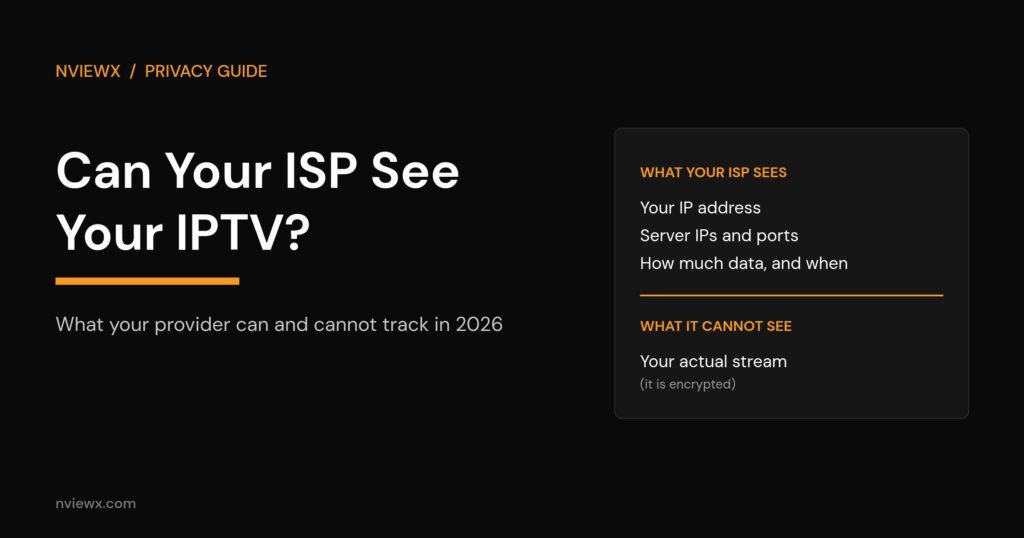
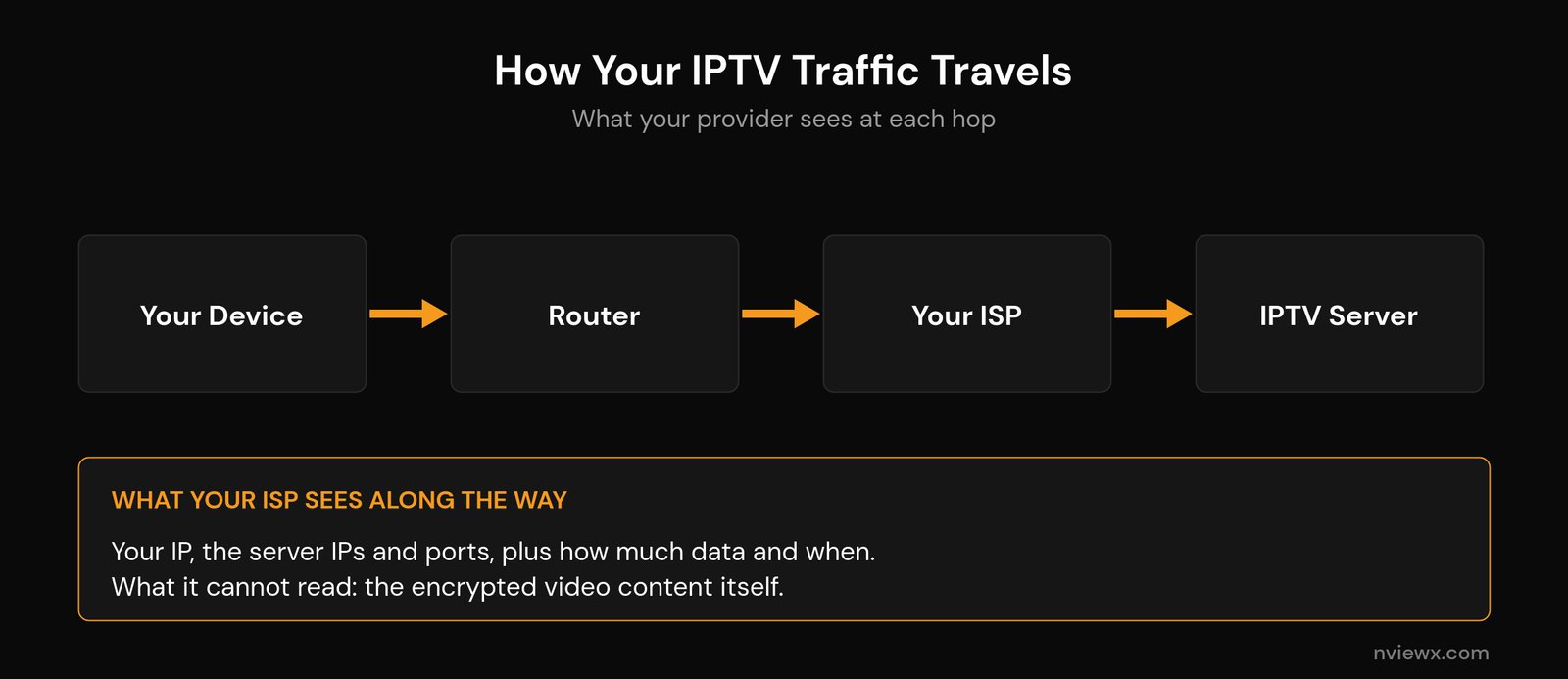
Short answer: yes and no. Your internet provider can almost certainly tell that you’re using IPTV — the traffic pattern, the servers you connect to, and how much data you pull all give it away. But on a properly encrypted connection, it can’t actually see the channels or shows on your screen. So when people ask can your ISP see your IPTV, the honest answer is that your ISP sees the envelope, not the letter inside.
That distinction is where most of the worry online goes wrong. This guide breaks down exactly what your provider can observe, what stays private, whether anyone is really watching, and the few steps that genuinely lock things down.
The short version: what your ISP sees when you stream
Every byte you send and receive passes through your ISP, so by default it can log a fair amount of metadata. The moment you open an IPTV player and start a stream, your provider can typically see:
- That your line is online, plus the public IP address assigned to your home.
- The server IP addresses and ports your player talks to.
- Your DNS lookups — the hostnames you resolve — unless you’ve switched on encrypted DNS.
- How much data you move and exactly when. A steady, hours-long, high-bitrate flow looks unmistakably like video.
What it generally can’t read on an encrypted (HTTPS/TLS) stream is the content itself. The picture and sound are scrambled, so your provider sees a big encrypted pipe rather than the programme you’re watching. Understanding how an IPTV service works under the hood makes that split a lot clearer.
What your ISP can and can’t see (the full breakdown)
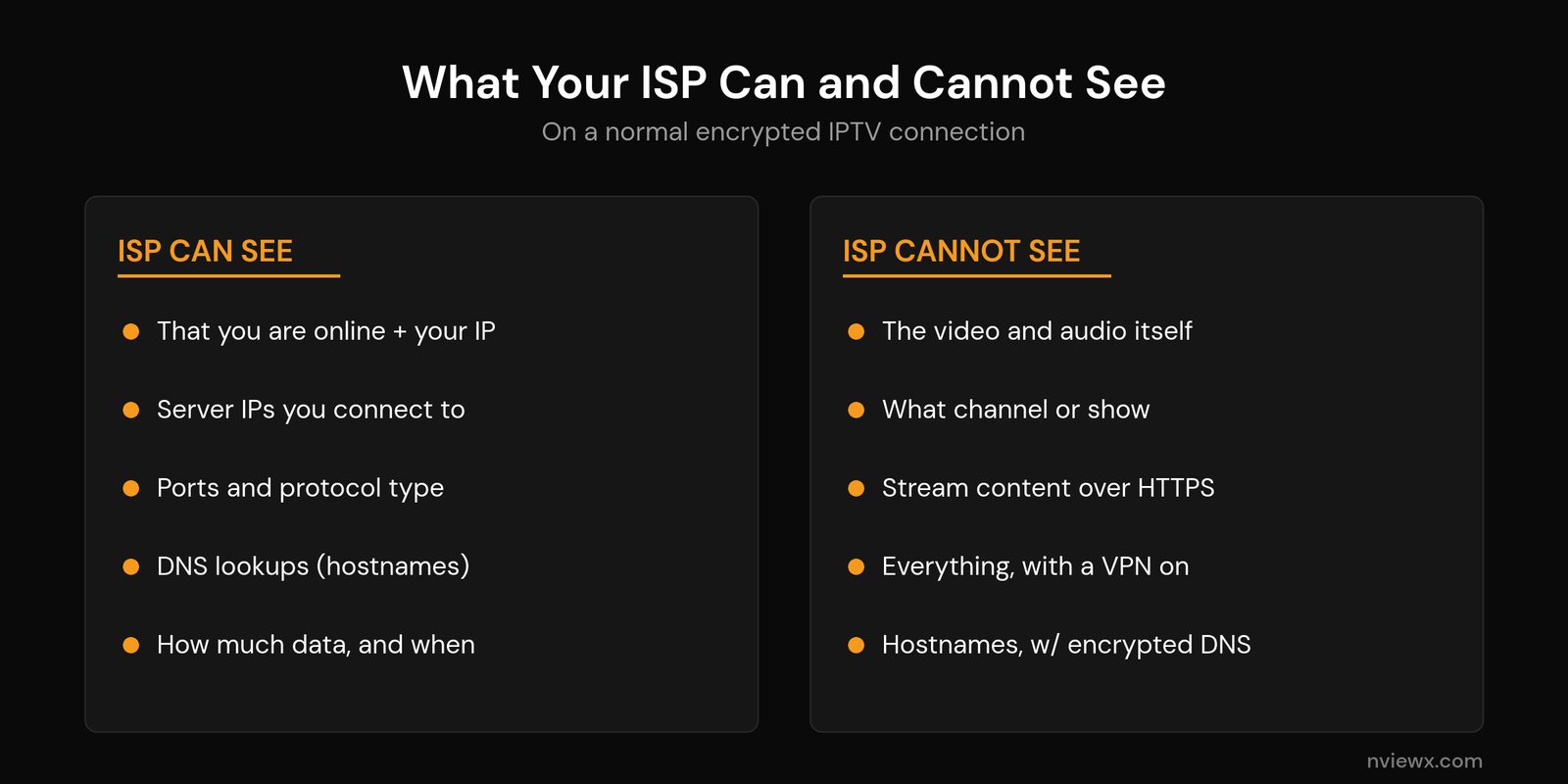
Here’s the line-by-line version. “Visible” means your provider can see it with no special effort; the right-hand notes show what actually protects each item. This is the part of can your ISP see your IPTV that most articles skip.
| What’s at stake | Can your ISP see it? |
|---|---|
| You’re online + your public IP | Yes, always |
| Server IP addresses you connect to | Yes — hidden by a VPN |
| Ports and protocol type | Yes |
| DNS lookups (hostnames you resolve) | Yes, unless you use encrypted DNS (DoH/DoT) |
| The domain in the TLS handshake (SNI) | Usually, unless Encrypted Client Hello is in play |
| How much data you use, and when | Yes — this is what flags “streaming” |
| The actual video and audio (HTTPS stream) | No — only metadata |
| Anything at all, with a VPN running | No — just an encrypted tunnel + data volume |
The takeaway: encryption changes the question your ISP can answer from “what is this person watching” to simply “this person is moving a lot of data.”
How your IPTV traffic looks to your provider
To classify traffic, large ISPs use deep packet inspection (DPI). Instead of reading the contents of each packet (which encryption blocks), DPI looks at patterns: packet sizes, timing, the destination addresses, and how long a connection stays open. A live IPTV stream has a very recognisable shape — a continuous, high-bandwidth download to a single server that runs for an hour or more.
That fingerprint is usually enough for an ISP’s automated systems to label the traffic “video streaming” without ever decrypting a single frame. It’s the same way they can tell a video call apart from a file download apart from web browsing. Your provider doesn’t need to know the title of the match or the name of the channel to know you’re watching live TV over the internet.
Does your ISP actually watch what you do?
Here’s the reality check: no one at your ISP is sitting and watching your stream. Providers handle enormous volumes of traffic, and individual monitoring isn’t practical or, in most places, legal without cause. What they do is keep connection logs (which IPs talked to which, and when) and run automated traffic-management systems.
Two things change that picture. First, in some regions ISPs cooperate with rights holders and block known server IP addresses or domains at the network level — which is why a service can suddenly stop loading on one network but work fine on another. Second, the legality of what you’re streaming matters: the technology is neutral, but an unlicensed service carries real risk. Before anything else, it pays to choose a legal IPTV service and read up on the common risks of using IPTV. If you’re curious about the device side rather than the network side, we also cover whether an IPTV box itself can spy on you.
The real tell: ISP throttling
For most people, the practical concern isn’t privacy — it’s speed. If your provider decides your streaming traffic is fair game, it can apply bandwidth throttling, deliberately slowing that one type of traffic while the rest of your connection stays fast.
The classic symptom is a stream that’s smooth all day and then buffers every evening or during big live events, even though a speed test looks normal. There’s a simple test: connect a VPN and watch the same stream. If the buffering clears the moment the tunnel comes up, your ISP was almost certainly singling out (and throttling) your IPTV traffic, because the VPN hides it. If it still buffers, the bottleneck is elsewhere — your Wi-Fi, your bandwidth, or the provider’s own servers.
That second case is far more common than people expect, so it’s worth ruling out the basics first: confirm the internet speed you actually need, dial in the best Wi-Fi settings for IPTV, and work through our guide to fix IPTV buffering. A related giveaway is when IPTV works on mobile data but not your home Wi-Fi — a strong sign the home network, not the stream, is the problem.
How to keep your IPTV private and stable
If you’d rather your provider didn’t profile your streaming at all, four measures cover almost everything.
1. Use a reputable VPN. This is the big one. A VPN encrypts all your traffic and routes it through its own server, so your ISP sees only an encrypted tunnel and a data total — not the IPTV servers, not the protocol, not the fact that it’s video at all. Because the traffic can’t be identified, automated throttling usually stops triggering. If your ISP actively blocks VPNs, choose one with obfuscated servers, which disguise the tunnel as ordinary web traffic. The same tooling is what people use to get around ISP blocking.
2. Turn on encrypted DNS. Switching to DNS over HTTPS (DoH) or DNS over TLS (DoT), or simply pointing your device at a privacy-focused resolver, hides the hostnames you look up. It won’t encrypt your whole connection the way a VPN does, but it closes one of the easiest windows your ISP has. Our notes on IPTV error codes and DNS issues walk through changing it per device.
3. Stick to secure portals. Use providers whose playlists and panels load over HTTPS rather than plain HTTP, and avoid pasting credentials into unknown apps. It’s also smart to pay for IPTV safely so your billing details aren’t the weak link.
4. Use a legitimate service. A licensed provider is far less likely to be blocked or throttled, and it keeps you on the right side of the line. Privacy steps reduce what your ISP can see; they are not a free pass for unlicensed streaming. If you’re just getting started, our guide to set up IPTV covers the basics on any device.
Related guides
- How to Bypass IPTV Restrictions
- Can an IPTV Box Spy on You?
- How to Fix IPTV Buffering and Cloud Errors
- Internet Speed for IPTV: How Much Do You Need?
- How to Get a Legal IPTV Service the Safe Way
Frequently asked questions
Can my ISP see what channels or shows I watch on IPTV?
On an encrypted (HTTPS) stream, no. Your ISP sees metadata — the servers, ports and how much data you use — but not the actual video. The exception is plain, unencrypted streaming, where deep packet inspection could in theory read more. A VPN removes that risk entirely.
Does my ISP know I’m using IPTV at all?
Most likely yes. The traffic pattern of a long, high-bitrate stream to a single server is easy to recognise, even without decryption. If you don’t want your provider to know you’re streaming IPTV, a VPN is the only reliable way to hide it.
Can a VPN hide my IPTV from my ISP?
Yes. A VPN encrypts all your traffic and tunnels it through its own server, so your ISP sees only an encrypted connection and a data total. It can’t see the IPTV servers, the protocol, or that it’s video. If your ISP blocks VPNs, pick one with obfuscated servers.
Will changing my DNS stop my ISP from seeing my IPTV?
Only partly. Encrypted DNS hides the hostnames you look up, which is one useful layer, but it doesn’t encrypt the rest of your traffic. Your ISP can still see the server IPs you connect to and your data volume. For full privacy you still need a VPN.
Can my ISP throttle or block my IPTV?
Yes. Throttling shows up as peak-hour buffering that clears when you connect a VPN. Some ISPs also block known server IP addresses or domains at the network level. A VPN with obfuscation defeats both in most cases, though a legitimate, licensed service is far less likely to be targeted in the first place.






