 Skip to content
Best IPTV Player for Mac (macOS): 6 Top Apps for 2026
The best IPTV player for Mac in 2026 is IPTV Smarters Pro if you want a full live-TV experience, or VLC and IINA if you just want to play a playlist for free. IPTV Smarters and GSE Smart IPTV read an Xtream Codes login and load a proper EPG guide, while VLC and IINA are lightweight players that open an M3U playlist without any fuss. This guide compares all six so you can match a player to how you actually watch.
We set up IPTV across Apple devices every week, so these picks are based on what installs cleanly on an Apple Silicon Mac, plays a live stream smoothly, and handles EPG guide data without choking. None of these apps come with channels; you supply your own M3U link or Xtream login from a provider, and the app just plays it.
The best IPTV players for Mac at a glance
Every player below runs on current macOS, including M1, M2, M3 and M4 Macs. The big differences are whether they support Xtream Codes logins, whether they show a real TV guide, and how much hand-holding they give you. Here is the short version.
| Player | Price | M3U | Xtream Codes | EPG guide | Best for |
|---|---|---|---|---|---|
| IPTV Smarters Pro | Free | Yes | Yes | Yes | A full TV-style live experience |
| GSE Smart IPTV | Free and paid | Yes | Yes | Yes | Recording and a timeline guide |
| VLC | Free | Yes | No | No | Quick, no-frills playback |
| IINA | Free | Yes | No | No | A clean, modern macOS player |
| Infuse | Free and paid | Yes | No | No | A polished on-demand library |
| Kodi | Free | Yes, via add-on | Via add-on | Yes, via add-on | Tinkerers who want one hub |
IPTV Smarters Pro: the most complete pick
If you want your Mac to feel like a TV, this is the one to start with. IPTV Smarters Pro takes an Xtream Codes login (a portal URL, username and password) or an M3U link and builds a full interface with live channels, movies, series, catch-up and an on-screen EPG. On an Apple Silicon Mac it runs as a native download from the developer site rather than the Mac App Store, and the native build plays 4K HEVC with very light CPU use. It is free to use; you only pay a provider for the actual service. For most people asking which IPTV player for Mac to install first, this is the answer.
GSE Smart IPTV: recording and a timeline guide
GSE Smart IPTV is the other heavyweight, and it is on the Mac App Store, so installation is a one-click affair. It supports the Xtream Codes API, a scrollable timeline EPG, parental controls, automatic stream reconnection and even recording live TV. There is a free lite version and a paid pro tier. If you like the idea of a guide you can scroll through like a classic program grid, GSE is worth a look. Like every app here, it ships empty; you add your own playlist.
VLC and IINA: free and simple
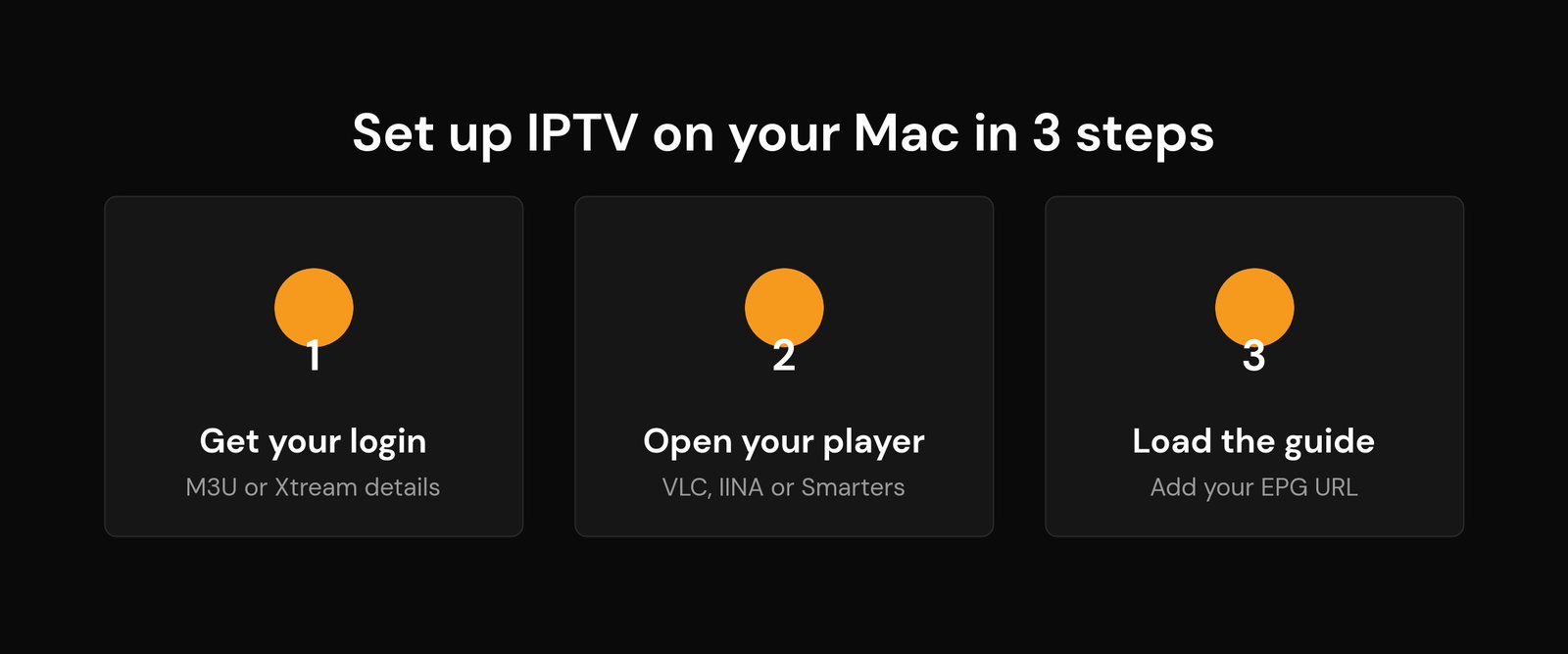
Sometimes you do not want a TV interface at all; you just want to play a channel. VLC is the classic free, open-source option: open the M3U URL and it builds a basic playlist you can click through. IINA is the more modern, Mac-native take on the same idea, with a cleaner interface that fits macOS. Neither supports Xtream Codes logins or a real EPG, so they are best when your provider gives you a plain M3U link and you mostly watch a handful of channels. They are also handy as a backup player when a channel will not open in your main app.
Infuse: best for on-demand
Infuse is a beautiful media player that also loads M3U network streams. Where it shines is a polished movie and series library with artwork and metadata, so it is a lovely front-end for on-demand titles. What it does not do is Xtream Codes or a live EPG, so it is not the right tool if live TV with a guide is your priority. Think of it as a VOD companion rather than your main live player.
Kodi: one hub for the tinkerers
If you like to customise, Kodi can turn your Mac into a full media centre. With its IPTV add-on you can load an M3U playlist plus an XMLTV EPG and get a proper guide, all inside one interface that also handles your local media. The trade-off is setup time: it is more fiddly than a purpose-built IPTV app. For people who enjoy configuring things once and then leaving them, it is a strong single hub.
How to set up IPTV on your Mac in three steps
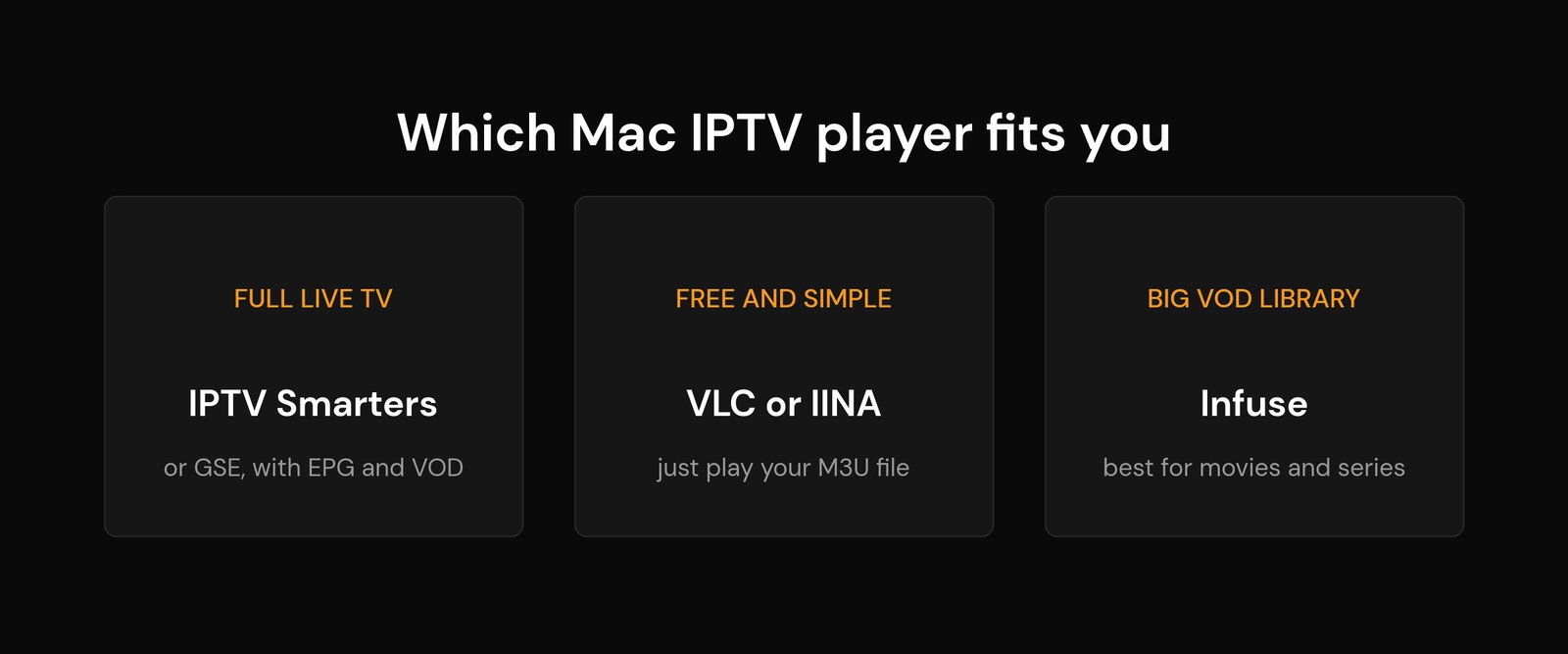
Whichever player you choose, the flow is the same. First, get your login details from your provider: either a single M3U URL or an Xtream Codes portal, username and password. Second, open your player and add those details (in VLC and IINA you paste the M3U link; in IPTV Smarters or GSE you enter the Xtream login). Third, add your EPG so the guide fills in; with Xtream logins this is usually automatic, and for M3U you paste an XMLTV guide URL in the settings. If channels load but stutter, the fix is almost always your connection, not the app, so check our notes on internet speed for IPTV and fixing IPTV buffering.
Which Mac IPTV player should you pick?
Keep it simple. Want a full live-TV experience with a guide, catch-up and VOD? Start with IPTV Smarters Pro, and try GSE Smart IPTV if you want recording or a timeline-style guide. Just want to play an M3U link for free with no setup? Use VLC or IINA. Care most about a gorgeous on-demand library? Add Infuse. Like to tinker and want one hub for everything? Kodi. If you also watch on other Apple hardware, our guides to the best IPTV player for Apple TV and the best players for Android TV cover those screens.
Frequently asked questions
What is the best free IPTV player for Mac?
For plain M3U playback, VLC and IINA are the best free options; both open an M3U link and play it with no cost. If you want a free app with a full TV guide and Xtream Codes support, IPTV Smarters Pro is free to use as well; you only pay your provider for the service.
Does IPTV Smarters work on an Apple Silicon Mac?
Yes. IPTV Smarters Pro has a native Apple Silicon build that runs on M1, M2, M3 and M4 Macs and plays 4K HEVC with light CPU use. It is a direct download from the developer rather than the Mac App Store, so download it from the official site.
Can I watch IPTV on a Mac without installing an app?
Not really. macOS needs a player to open an M3U or Xtream stream, but you likely already have VLC or can install IINA in a minute. There is no reliable way to watch a full IPTV service in a browser without a dedicated web player from your provider.
Do these Mac IPTV players include channels?
No. Every player here is empty until you add your own M3U link or Xtream Codes login from a provider. The app is only the player; the channels come from the service you subscribe to.
Why will my M3U playlist not play on my Mac?
Usually the link is wrong, expired, or your provider connection limit is reached. An unsupported stream type can also cause it. Test the same link in VLC first; if it fails there too, the issue is the playlist or provider, not your main app.
Related guides
- Best IPTV player for Apple TV
- M3U vs Xtream Codes: which should you use
- What is an IPTV EPG and how it works
- How much internet speed you need for IPTV
Written by the Nviewx team – we set up and test IPTV across Firestick, Android TV, Apple TV, smart TVs, Mac and mobile every day. Last updated for 2026.






