 Skip to content
M3U vs Xtream Codes: Which IPTV Format Should You Use?
If your provider gave you two ways to log in — a long M3U playlist link and a set of Xtream Codes details (a server URL, a username and a password) — and you are not sure which to use, here is the short version. The M3U vs Xtream Codes choice comes down to one thing: an M3U is a single playlist URL that plays in almost any app, while Xtream Codes is a login that lets a dedicated IPTV app pull your channels, TV guide, catch-up and on-demand library automatically. If your app supports Xtream Codes, use it. If it does not, use the M3U link.
We set both up on new devices every day — Firestick, Android TV, Apple TV, phones and smart TVs — so this guide skips the jargon and sticks to what actually changes for you: the guide data, updates, catch-up, compatibility and safety.
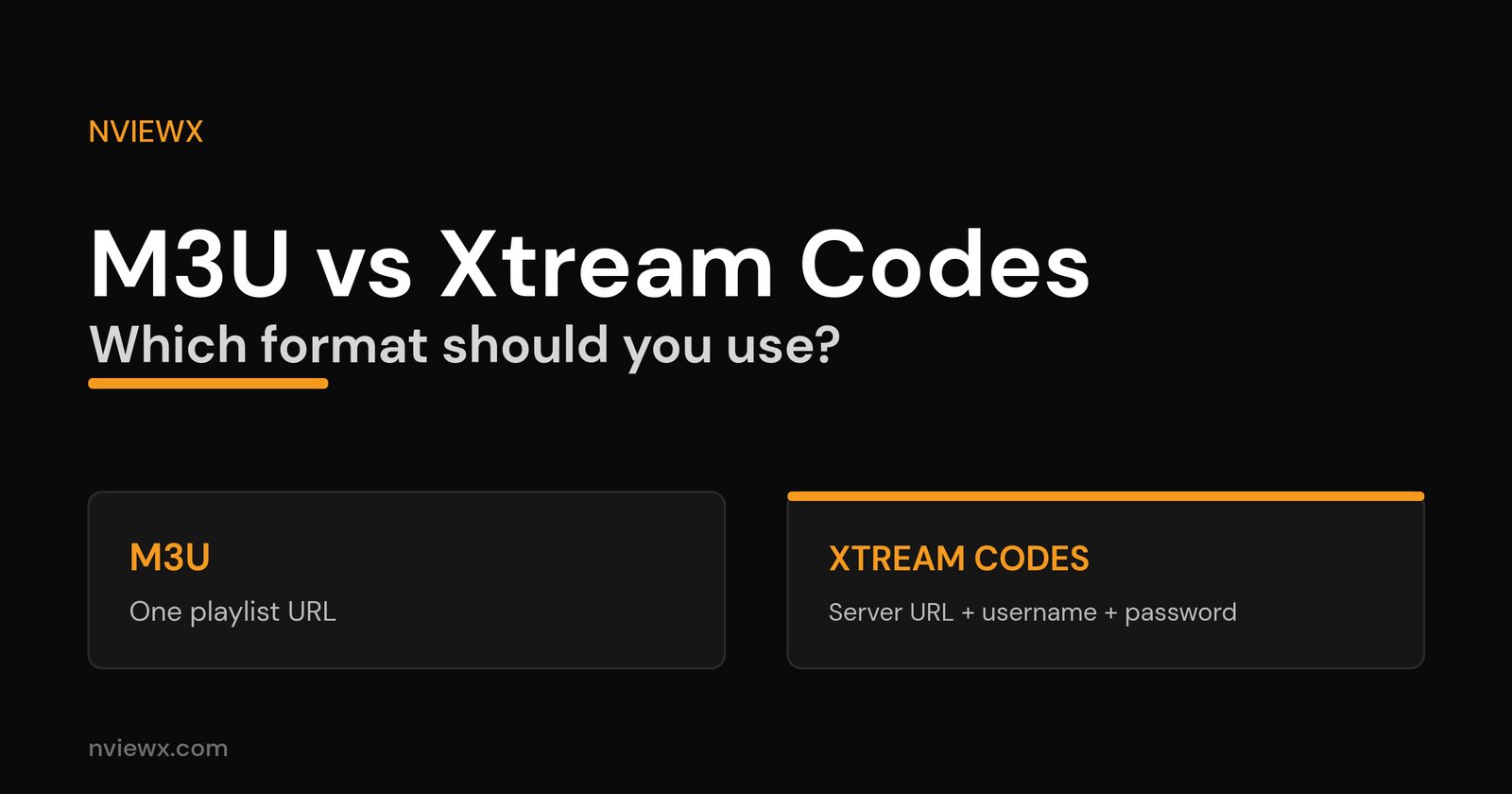
M3U vs Xtream Codes at a glance
Both formats usually stream the exact same channels from the same provider — the difference is how your app talks to the service and how much it can do once connected. Here is the side-by-side.
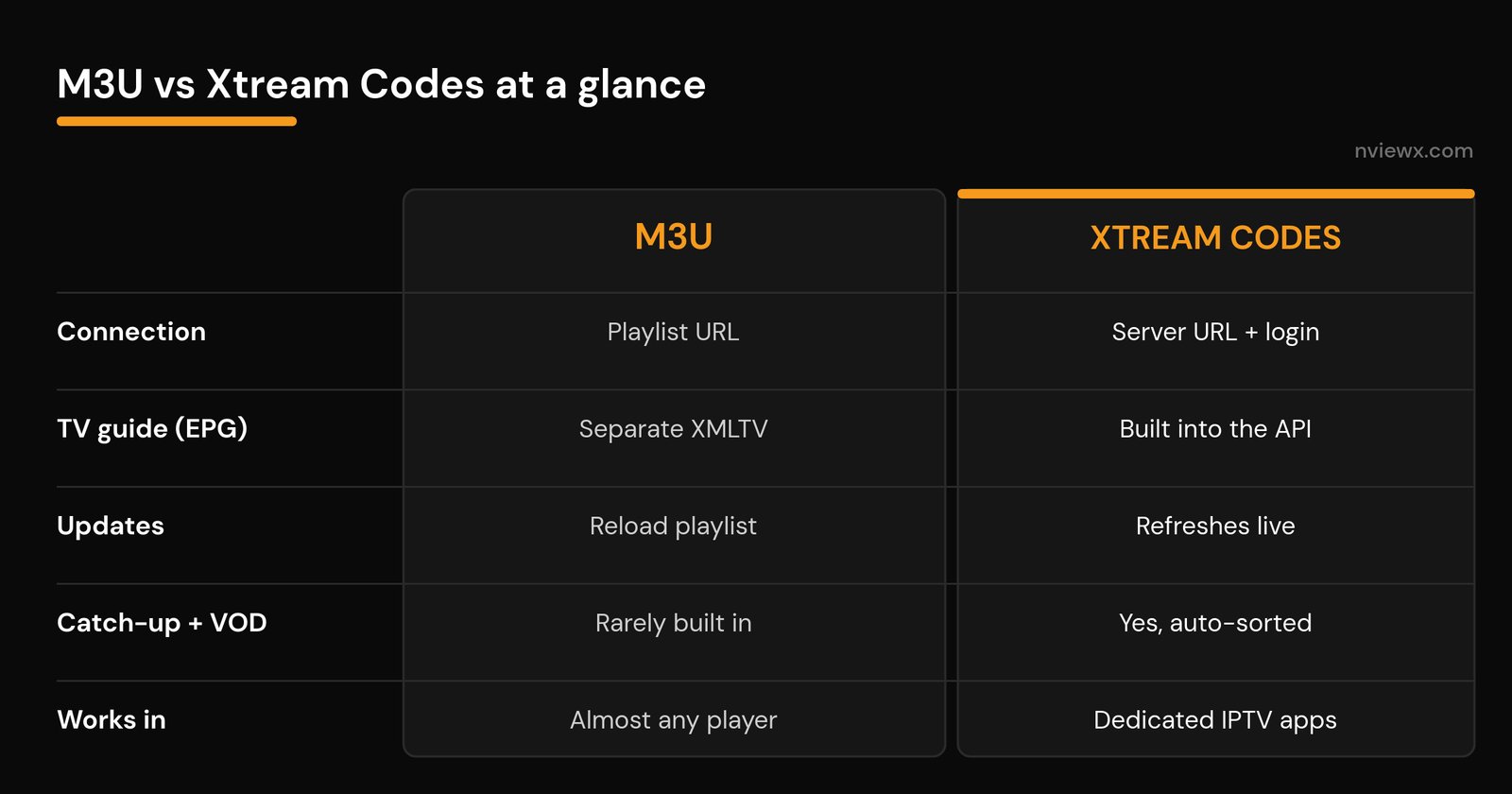
| What matters | M3U playlist | Xtream Codes |
|---|---|---|
| How you connect | One playlist URL (or a file) | Server URL + username + password |
| TV guide (EPG) | Add a separate XMLTV link | Comes through automatically |
| New channels and changes | Reload the playlist to see them | Refreshes live, no re-import |
| Catch-up / replay | Rarely supported | Supported when the provider offers it |
| Movies and series (VOD) | One long flat list | Sorted into tidy categories |
| Account details | Not shown | Shows expiry and active connections |
| Player support | Works in almost anything | Needs an app that speaks Xtream |
| Setup effort | Paste one link | Type three fields |
What an M3U playlist is
An M3U is a plain-text playlist. Each entry is a line of information (channel name, logo, category) followed by a web link to that stream. String a few thousand of those together and you have your whole lineup in one file. In IPTV you are almost always handed an M3U URL rather than a loose file, so the list can refresh when the provider updates it. For the deeper explanation, we break down what an M3U playlist actually is.
The catch: an M3U on its own carries channels, not a schedule. To get a TV guide you add a separate XMLTV link, and catch-up or neatly sorted movies usually are not part of the deal. Simple and universal, but bare-bones.
What Xtream Codes is
Xtream Codes is not a file at all — it is a login. You enter a server address, a username and a password, and your app quietly talks to the provider over an API in the background. In one connection it pulls live channels, the TV guide, catch-up, and movies and series sorted into categories, then keeps them updated. The name “Xtream Codes” now refers to that login standard, which many provider panels use — not a single company. For a closer look, see how an Xtream Codes login works.
Where the two formats really differ
The TV guide (EPG)
This is the big one for most people. With Xtream Codes the electronic program guide arrives automatically, so you see what is on now and next without lifting a finger. With an M3U you add and map a separate EPG link yourself, and if the channel IDs do not match you get blank or wrong listings. If your guide is empty or off, our guide to the IPTV TV guide (EPG) walks through the fix.
Updates and new channels
When a provider adds channels or reorders the lineup, an Xtream login shows the change the next time the app refreshes. With an M3U you often reload or re-import the playlist to pick up the new list. Not a dealbreaker, just an extra step.
Catch-up and on-demand
Xtream Codes exposes catch-up (replaying the last few days of a channel) and a proper on-demand library sorted into categories, a lot like a mainstream streaming app. An M3U typically gives you a single flat list of live channels and nothing to browse. If catch-up and a tidy movie library matter to you, Xtream wins comfortably.
Account information
An Xtream login can show your subscription expiry date and how many devices are streaming at once — genuinely useful when you are chasing a “too many connections” message. An M3U shows none of that.
Which players and devices support each format
M3U is the universal option: if a player can open a playlist, it can open your channels. Xtream Codes needs an app that specifically understands the login — most dedicated IPTV player apps do, but general-purpose media players do not.
| Player | M3U | Xtream Codes |
|---|---|---|
| VLC | Yes | No |
| Kodi (PVR IPTV Simple Client) | Yes | Add-on only |
| TiviMate | Yes | Yes (its best mode) |
| IPTV Smarters / XCIPTV | Yes | Yes |
| Perfect Player | Yes | Yes |
| Built-in smart TV apps | Often | Sometimes |
New to installing these? Start with IPTV player apps or, on a Fire TV, our walkthrough for installing a player on a Firestick.
Is M3U or Xtream Codes safer?
Neither is inherently more secure — both carry your credentials. An M3U URL has your username and password baked right into the link, so anyone you share it with can use (or abuse) your account. Xtream Codes sends the username and password with each request instead. Two sensible habits cover both: use links that start with https wherever your provider offers it, and never post your M3U link or Xtream details in a public forum or group chat. Treat either one like a password.
Which should you use?
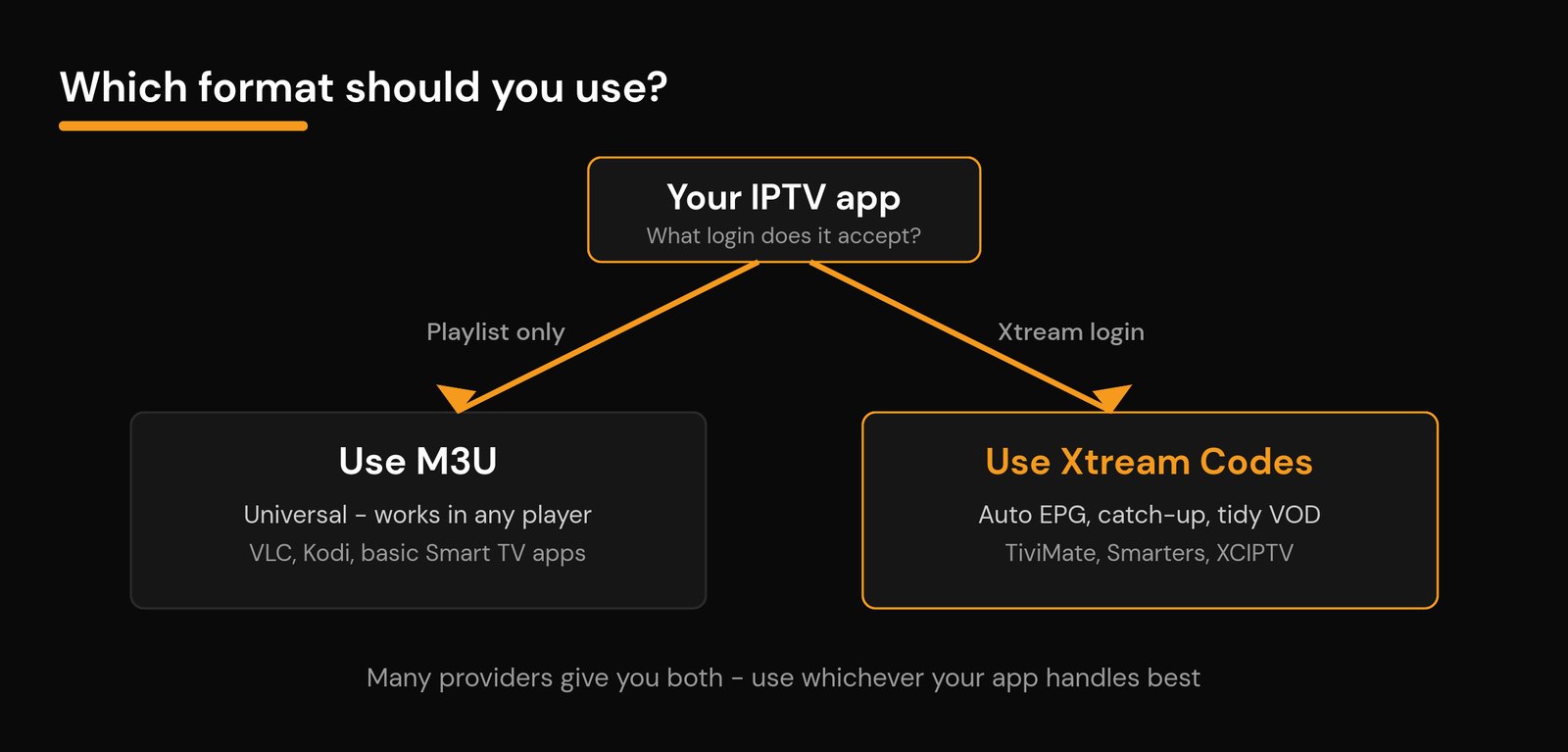
For most people on a modern IPTV app, Xtream Codes is the better daily driver — it is quicker to enter, keeps itself updated, and unlocks the guide, catch-up and on-demand library. Reach for M3U when you need broad compatibility or a quick test.
Use Xtream Codes if: your app supports it (TiviMate, IPTV Smarters, XCIPTV and most dedicated players do) and you want the TV guide, catch-up and sorted movies with the least fuss.
Use M3U if: your player only takes a playlist (VLC, some smart TV apps), you are quickly testing a service, or you want a link that works almost anywhere.
Can you switch between M3U and Xtream Codes?
Usually, yes. Most modern panels can hand you both, and you can generally generate an M3U link from an Xtream login. So you are rarely locked in — pick whichever your current app handles best, and switch if you change apps. If a login ever fails or you hit an authorization error while swapping, our guide to IPTV login and authorization errors covers the common causes. Setting everything up from scratch? Follow our step-by-step IPTV setup guide.
Related guides
Frequently asked questions
Is Xtream Codes better than M3U?
For most people on a dedicated IPTV app, yes. Xtream Codes is faster to enter and brings the TV guide, catch-up and a sorted on-demand library automatically, while an M3U gives you live channels and little else. M3U still wins on pure compatibility, since it plays in almost any app.
Can I use Xtream Codes in VLC?
No. VLC only opens playlists and direct links, so it needs an M3U. To use an Xtream Codes login you need an app built for it, such as TiviMate, IPTV Smarters or XCIPTV.
Does an M3U playlist include the TV guide?
Not by itself. An M3U carries channels, not a schedule. To get an EPG with an M3U you add a separate XMLTV guide link and map it, while with Xtream Codes the guide comes through automatically.
Are the channels different between M3U and Xtream Codes?
No. From the same provider both formats stream the same channels off the same servers. What changes is how your app connects and how much extra it can show, such as the guide, catch-up and on-demand, not the streams themselves.
Why does my Xtream Codes login fail or hit a connection limit?
Usually the details were typed slightly wrong, the subscription lapsed, or every allowed device slot is already in use. Re-check the server URL, username and password, close the app on your other devices, and if it continues, work through our IPTV login and authorization error guide.
Which is easier for a beginner?
Xtream Codes, on an app that supports it. You type three fields once and the app organizes the guide, channels and movies for you. An M3U is also easy to paste, but you often add a second link for the guide, which is the step that trips people up.






