 Skip to content
Can an IPTV Box Spy on You? The Real Risks, Explained
Short version: yes, an IPTV box can spy on you – but only if the box, its firmware, or the apps on it are dodgy. A clean, official setup on certified hardware is no more dangerous than any other connected device. The trouble starts with cheap no-name boxes and side-loaded apps, where the question “can this IPTV box spy on me?” stops being paranoid and starts being a fair one.
The actual TV-watching part doesn’t watch you back. What spies on you is spyware or other malware – and the most common way malware gets onto a streaming box is a sketchy app or a tampered device, not the streaming itself. So the honest answer is: the hardware and the app you choose decide your risk, far more than the fact that you’re using IPTV at all. Let’s go through how a box could spy, the warning signs, why the bargain boxes are the real problem, and exactly how to lock yours down.
The short answer: it’s the app and the box, not IPTV itself
IPTV is just video delivered over an internet connection instead of an aerial or satellite dish. By itself, that protocol can’t read your messages or steal a password. What can is software running with too much access on a device you don’t fully control. Security researchers keep finding that the dangerous part is almost always one of two things: a malicious or tampered app, or a cheap box that shipped with malware already baked into its firmware.
Investigators tracking the so-called “BadBox” campaigns found low-cost Android TV boxes that were compromised before they ever left the warehouse – the malware lived in the firmware, so a factory reset wouldn’t remove it. In January 2026 the FBI even issued a public warning that some off-brand streaming devices were quietly being recruited into criminal proxy networks. That’s the worst case, and it tells you where to point your suspicion: the no-name box, not the concept of streaming.
How an IPTV box could actually spy on you
If a box or app is going to snoop, it does it through one of a few well-worn routes. Knowing them makes the warning signs obvious.
Over-broad app permissions
A video player needs internet access and storage. That’s basically it. When an “IPTV” app instead asks for SMS, contacts, call logs, location, or – the big one – accessibility permissions, that’s a red flag. Accessibility access lets an app read what’s on screen and what you type, which is exactly how some fake streaming apps have harvested passwords and bank details. The app does its real job (plays video) while quietly doing a second one in the background.
Malware in side-loaded or tampered apps
The classic trick is to take a popular, legitimate player, inject malicious code, and re-upload the modified file to a forum, a random APK site, or an unofficial “store.” It still plays your channels, so nothing looks wrong – meanwhile it can scrape credentials, mine cryptocurrency using your box’s processor, or watch traffic on your network. This is why where you got the app matters as much as which app it is.
Insecure firmware with no updates
Cheap boxes often run an old, modified version of Android with security patches frozen in time. Every unpatched hole is a door, and on the worst devices the spyware is part of the firmware itself. With no updates ever shipping, those doors stay open for the life of the box.
Telemetry and your network neighbours
Once a compromised box is on your Wi-Fi, it doesn’t only see your streaming. It sits on the same network as your phone, laptop, and anything else you’ve connected, and malware can try to watch or reach that traffic too – including things like online banking sessions. Some compromised boxes also phone home constantly, turning your connection into a relay for someone else’s activity.
Warning signs your box might be spying
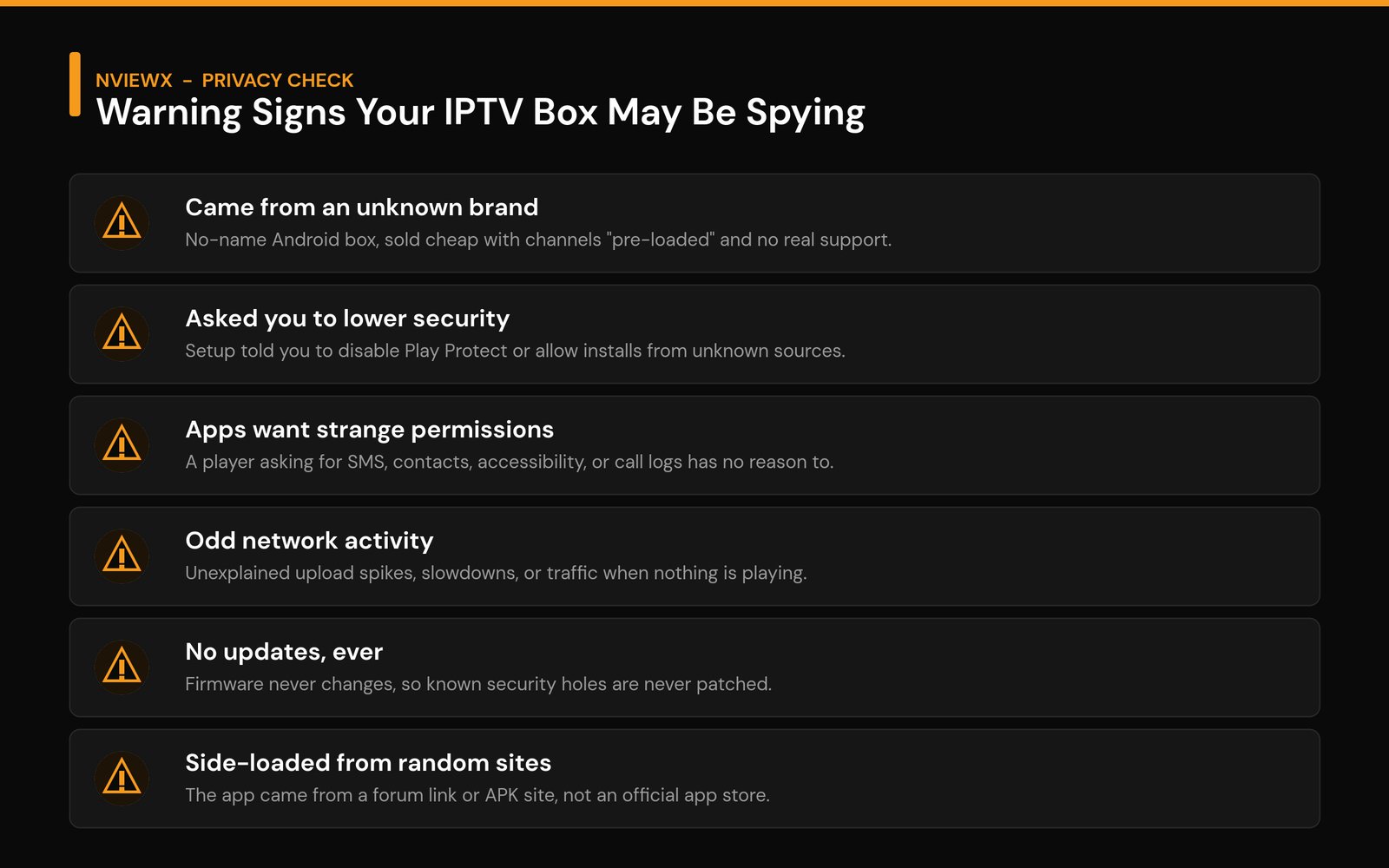
You usually can’t see spyware directly, but compromised setups leave fingerprints. Any one of these on its own is worth a closer look; two or three together and I’d treat the device as untrusted:
- It’s a no-name brand sold cheap with channels “pre-loaded” and basically no support or documentation.
- Setup asked you to weaken security – turning off Play Protect, or enabling installs from unknown sources just to get it working.
- An app wants permissions that make no sense for a video player: SMS, contacts, call logs, or accessibility.
- Odd network activity – unexplained upload spikes, sluggish internet, or data moving when nothing is even playing.
- It never updates. The firmware version hasn’t changed since you bought it, and there’s no update option that works.
- The app came from a link, not a store – a forum post, a messaging app, or an APK site rather than an official app store.
A free network scanner on your phone (the kind that lists every device on your Wi-Fi and its traffic) makes the “odd activity” check far easier – if one device is chattering away at 3am while everyone’s asleep, that’s your answer.
Why cheap, no-name boxes are the real risk
Here’s the uncomfortable truth about the bargain boxes: someone has to pay for hardware sold that cheaply, and too often it’s you, with your data. The same devices that turn up in security warnings tend to share a profile – unfamiliar brand, an unofficial app store installed by default, a setup wizard that nudges you to disable protections, and firmware that never gets touched again.
The really nasty cases bury the malware in the firmware, which means the usual fix – a factory reset – doesn’t clean it. You’d be wiping your apps while the spyware sits one layer below, untouched. That’s the single biggest reason I’d steer anyone away from mystery-brand boxes: not because they always misbehave, but because when they do, you often can’t get them back to safe. Certified, name-brand streaming hardware costs a little more and gives you real updates, a real app store, and a real company on the hook for security.
How to protect yourself from a spying IPTV box
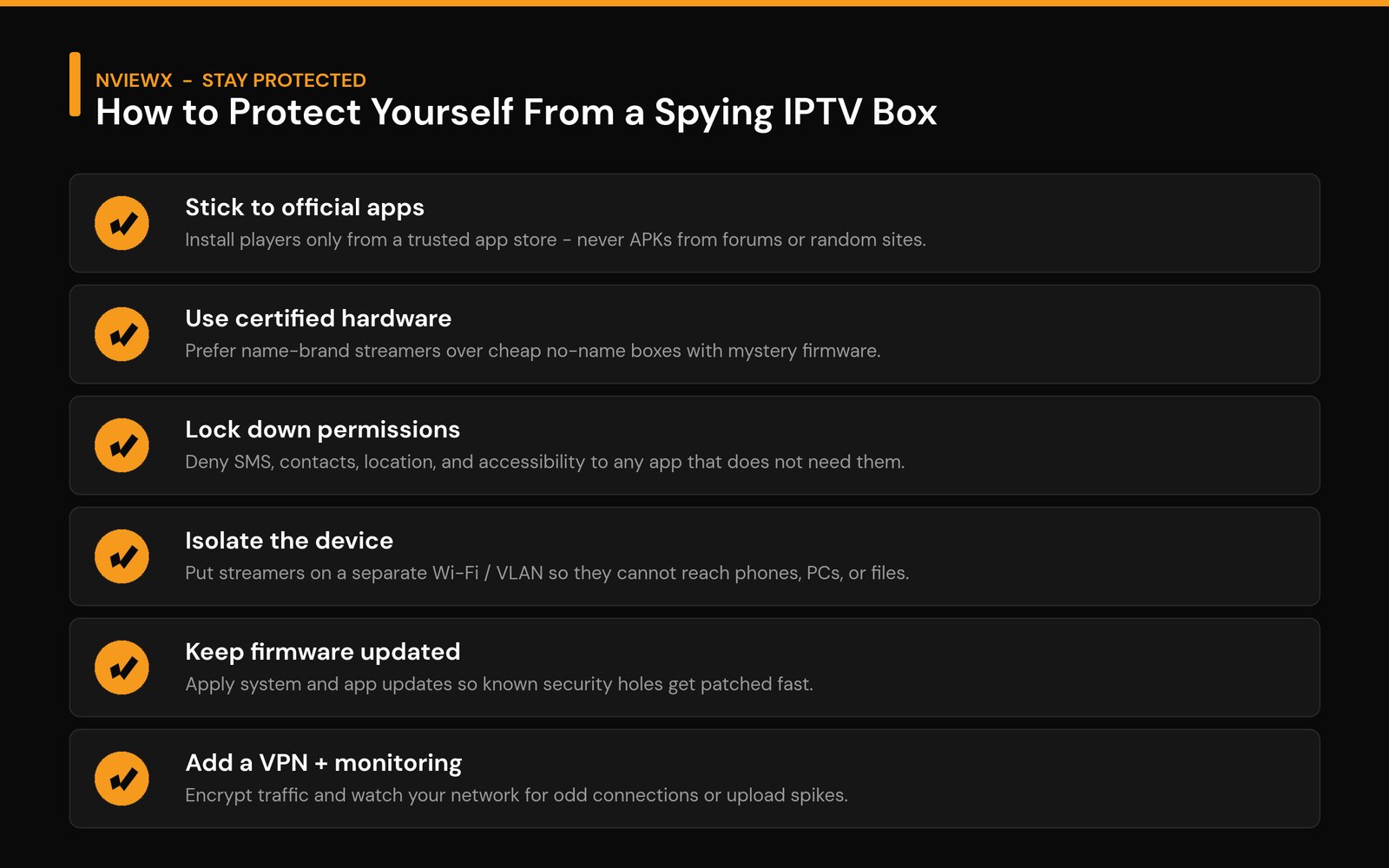
You don’t need to be a security expert to shut down almost all of this risk. Stack a few of these habits and a snooping box has nowhere to hide.
- Install apps only from official sources. Use your device’s built-in app store. Treat any APK from a forum, chat link, or random website as guilty until proven otherwise.
- Choose certified, name-brand hardware. A mainstream streaming stick or box with a real update channel beats a cheap pre-loaded box every time.
- Audit permissions. Open the app’s settings and revoke anything a player has no business with – SMS, contacts, location, call logs, accessibility. If it breaks playback by denying those, uninstall it.
- Isolate the device on your network. Put streaming gear on a separate Wi-Fi network or VLAN so a compromised box can’t see your phone, your laptop, or your files. (Note: a basic “guest” network only partially isolates – a dedicated network is stronger.)
- Keep firmware and apps updated. Updates close the holes spyware relies on. A device that can’t update is a device you should retire.
- Add a VPN and watch your traffic. A VPN encrypts your connection, and a quick network scan now and then catches anything talking to the internet when it shouldn’t.
If you suspect a box is already compromised, don’t trust a factory reset to fix firmware-level malware – disconnect it from your network and replace it with certified hardware. For the wider picture on staying safe, our guide on how to avoid the risks of using IPTV goes deeper, and if you want the legitimate route from the start, see how to get a legal IPTV service.
Risk vs. protection at a glance
| The risk | What it does | How you shut it down |
|---|---|---|
| Over-broad permissions | Reads screen/keystrokes to grab passwords | Revoke SMS, contacts, location, accessibility |
| Tampered / side-loaded app | Plays video while stealing data in the background | Install only from an official app store |
| Insecure firmware | Unpatched holes; malware baked in | Use certified hardware that gets updates |
| Network snooping | Watches other devices on your Wi-Fi | Isolate on a separate network / VLAN |
| Constant phone-home telemetry | Relays traffic or leaks usage data | Add a VPN and monitor your network |
A quick word on staying legal and safe
Most of the spyware horror stories trace back to the same place: unofficial apps and devices marketed around “free” access to content. Sticking to legitimate, properly licensed services removes most of that exposure in one move, because you’re using official apps from official stores on hardware that gets real updates. If you’re new to all this, our explainers on what an IPTV service is and what an IPTV box is cover the basics, and installing IPTV on a Firestick walks through a clean, official-app setup.
At Nviewx we’d always rather you spend a little more on a trustworthy setup than save twenty bucks on a box that treats your home network as a product. Choose official apps, certified hardware, and a few sensible network habits, and the answer to “can an IPTV box spy on me?” becomes a confident no.
Frequently asked questions
Can an IPTV box spy on you?
It can, but only if the box or its apps are compromised. The streaming protocol itself can’t snoop. Risk comes from malware – usually via side-loaded apps or cheap no-name boxes with tampered firmware – not from watching IPTV on a clean, official setup.
How do I know if my IPTV box is spying on me?
Look for warning signs: an app asking for permissions a player doesn’t need (SMS, contacts, accessibility), setup steps that disable your security, firmware that never updates, an unfamiliar brand, or odd network activity like upload spikes when nothing is playing. A network-scanner app makes the last one easy to check.
Are cheap IPTV boxes safe?
Often not. Many low-cost, no-name boxes ship with unofficial app stores, frozen firmware, and in the worst cases malware embedded so deep a factory reset won’t remove it. Certified, name-brand hardware with real updates is far safer.
Does a factory reset remove IPTV box malware?
Not always. When malware lives in the user-installed apps, a reset helps. But on the worst boxes it’s baked into the firmware, which a normal reset doesn’t touch. If you suspect that, disconnect the device and replace it rather than trusting a wipe.
Does a VPN stop an IPTV box from spying?
A VPN encrypts your traffic and hides it from outsiders, which is genuinely useful – but it won’t disinfect a box that already has spyware on it. Treat a VPN as one layer alongside official apps, locked-down permissions, and network isolation, not a cure-all.
Which permissions should an IPTV app never need?
A player realistically needs internet and storage. Be very cautious about SMS, contacts, call logs, location, and especially accessibility access – accessibility can read your screen and keystrokes, which is how some fake apps steal passwords.
Is using a legitimate IPTV service safer than a free box?
Yes. Legitimate services run as official apps from official stores on hardware that receives security updates, which removes most of the common attack routes. The “free” pre-loaded boxes are where the majority of spyware cases originate.






