What is an IPTV Box? A Complete Guide
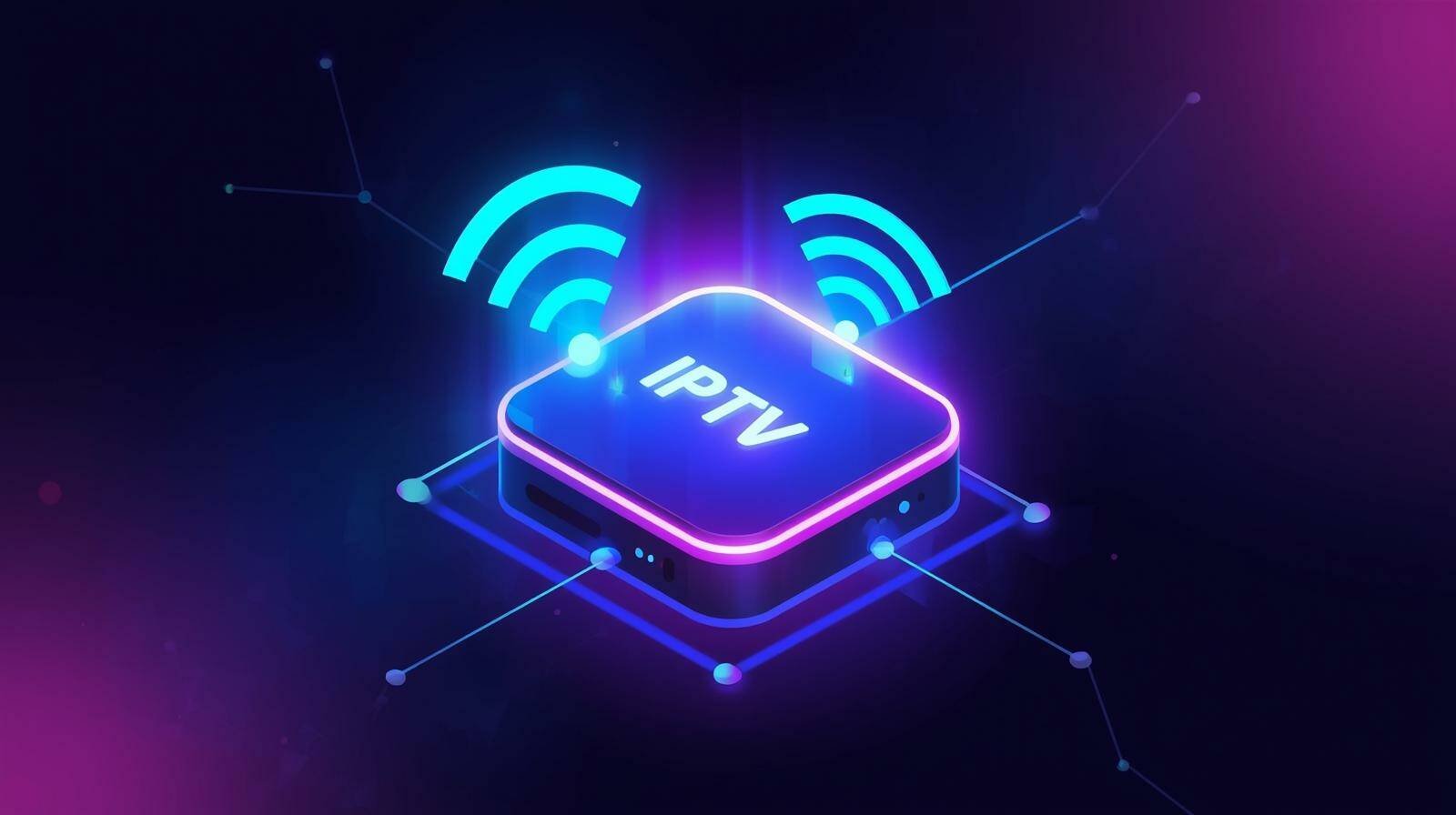
An IPTV Box is a device that enables you to watch IPTV services on your television. These boxes are specially designed to receive IPTV signals from the internet and display the content on your TV screen. Instead of using traditional cable or satellite services, the IPTV box provides access to streaming television, on-demand content, and more, all via the internet.
How Does an IPTV Box Work?
IPTV boxes connect to the internet and allow you to stream content directly to your TV. The device works by receiving IPTV signals through your broadband internet connection. It decodes the video data sent over the internet and presents the content in a viewable format on your screen. All you need is an IPTV subscription and a stable internet connection.
Features of an IPTV Box
- Easy Setup: Setting up an IPTV box is typically straightforward. You connect it to your TV via HDMI or AV cables and to the internet via Wi-Fi or Ethernet.
- HD and 4K Streaming: Most IPTV boxes support HD or even 4K streaming, allowing you to watch high-quality content with minimal buffering, provided you have a fast internet connection.
- Access to a Variety of Content: You can access hundreds of live TV channels, movies, TV shows, sports events, and more, depending on your IPTV service provider.
- Compatibility with Multiple Devices: IPTV boxes are often compatible with a range of devices, including smart TVs, external hard drives, and USB devices for content storage.
Why Choose an IPTV Box?
Using an IPTV box provides several advantages over traditional cable or satellite television. Here are some key reasons why you should consider getting one:
- Cost-Effective: An IPTV box is often more affordable than a cable box or satellite service subscription, and it doesn’t require ongoing rental fees.
- Customizable Content: With an IPTV box, you can choose from a range of subscription plans, providing you with the content you want at an affordable price.
- Multi-Device Support: IPTV boxes allow you to stream content across multiple devices. You can watch TV on your phone, tablet, laptop, or TV.
- Additional Features: Many IPTV boxes come with additional features like built-in media players, access to video-on-demand (VOD), and apps for popular streaming platforms.
Types of IPTV Boxes
There are several types of IPTV boxes available, each with its own features and capabilities:
- Basic IPTV Box: The simplest version that allows you to stream live TV and on-demand content. Ideal for users who want basic IPTV services without additional features.
- Android TV Boxes: These boxes run on the Android operating system, offering a more robust platform for apps and services. They allow you to access additional features, such as streaming apps (Netflix, YouTube, etc.) and more customization options.
- Set-Top Boxes: These are more advanced IPTV boxes that come with built-in features such as recording capabilities, on-demand TV shows, and digital video recorders (DVR).
How to Choose the Right IPTV Box
Choosing the right IPTV box depends on your specific needs and preferences. Here are some factors to consider when making your decision:
- Compatibility: Ensure the box is compatible with your TV and has the necessary ports (HDMI, AV, etc.) for connection.
- Streaming Quality: Look for a box that supports HD or 4K streaming if you want to enjoy high-quality content.
- Internet Connection: Some IPTV boxes require a wired internet connection, while others support Wi-Fi. Make sure the box you choose is suitable for your home network.
- Extra Features: Consider whether you need additional features like media storage, voice search, or the ability to install third-party apps.
How to Set Up an IPTV Box
Setting up your IPTV box is a simple process. Follow these basic steps:
- Unbox the IPTV Box: Take the device out of the packaging and connect it to your TV using an HDMI cable (or AV cables for older TVs).
- Connect to the Internet: Connect your IPTV box to the internet via Wi-Fi or Ethernet cable. Ensure a stable internet connection for smooth streaming.
- Install the IPTV App: Many IPTV boxes come with a pre-installed IPTV app. If not, you can download the appropriate app from the app store or the provider’s website.
- Login and Start Streaming: Enter your IPTV subscription details and start exploring the content available to you. You can now enjoy a range of live TV, VOD, and other entertainment options.
FAQs About IPTV Boxes
What is the best IPTV box?
The best IPTV box depends on your requirements. Popular options include Android TV boxes, which offer flexibility, or more traditional set-top boxes for those who prefer a simple setup.
Do I need a smart TV for an IPTV box?
No, you do not need a smart TV. As long as your TV has an HDMI or AV port, you can use an IPTV box with it.
Can I use an IPTV box with a cable or satellite service?
Yes, many users use an IPTV box alongside traditional cable or satellite services. You can switch between both services depending on your content preferences.
Can I watch IPTV on multiple devices?
Yes, IPTV boxes allow multi-device streaming. You can watch content on your TV, mobile phone, or tablet, depending on your service provider and device compatibility.
Conclusion
An IPTV box is a powerful tool that transforms your TV viewing experience by offering access to a wide variety of live TV and on-demand content. It’s a cost-effective solution compared to traditional cable and satellite services and provides flexibility with multi-device support and high-quality streaming. With the right IPTV box, you can enjoy a world of entertainment at your fingertips.
To explore the best IPTV service, check out Nviewx for a seamless streaming experience.