Skip to content
What Should I Do if My playlist is Not Working?
If your playlist isn’t working, it can be frustrating, especially if you’re ready to watch your favorite content. Fortunately, many IPTV service issues can be fixed with a few troubleshooting steps. In this post, we’ll walk you through the common causes of IPTV problems and how to resolve them.
Step 1: Check Your Internet Connection
One of the most common reasons for IPTV issues is a slow or unstable internet connection. IPTV services rely heavily on internet speed and stability. If your connection is weak or intermittent, it may cause buffering, freezing, or even prevent the service from loading entirely.
Here’s what you can do:
- Test your internet speed: Use a speed test tool to check if your connection is fast enough. For smooth IPTV streaming, we recommend a minimum speed of 10 Mbps for standard definition and at least 25 Mbps for HD content.
- Use a wired connection: While Wi-Fi is convenient, it can sometimes be unstable, leading to buffering and interruptions. Using an Ethernet cable to connect your device to the router can provide a more stable connection.
- Restart your router: Sometimes, the solution is as simple as restarting your router. Unplug it for about 30 seconds and then plug it back in to refresh your connection.
Step 2: Restart Your Device
If your internet connection is stable, the issue might be with the device you’re using to stream. Many times, simply restarting your device (Smart TV, set-top box, smartphone, or computer) can fix the problem. This refreshes the device and clears any temporary issues that might be affecting the IPTV service.
Step 3: Verify Your Subscription Status
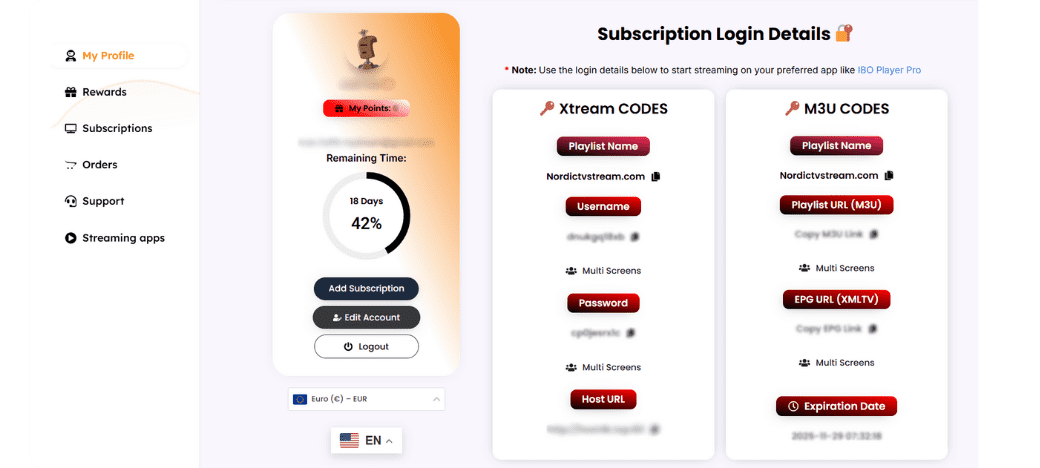
Another common cause of IPTV issues is an expired or suspended subscription. To verify that your subscription is active:
- Go to My Account page.
- Check if your subscription is still active and up to date. If it has expired, you’ll need to renew it to restore your access.
- If you’re unsure, contact our support team to confirm your account status.
Step 4: Update the App and restart your TV
If you’re using a device-specific app, ensure it’s updated to the latest version. Software bugs or compatibility issues can sometimes prevent IPTV services from working correctly. Check your device’s app store for any available updates and install them.
Step 5: Delete your streaming app and install it again
If none of the above step’s work, you might want to delete the cache of your streaming app, because sometimes the problem is there’s no enough space in your TV. You can delete cache or uninstall and install the app again. This will erase any temporary issues or misconfigurations that may be causing the problem.
Step 4: Check HOST URL and Account Notifications
At times, you need to check HOST URL on Your Dashboard to see if there’s a new Host you must use it, because your old Host is probably no longer working due to some upgrades on the server’s side, if the HOST is the same check your account notifications to see if there’s any update or maintenance going at time.
Still Having Issues?
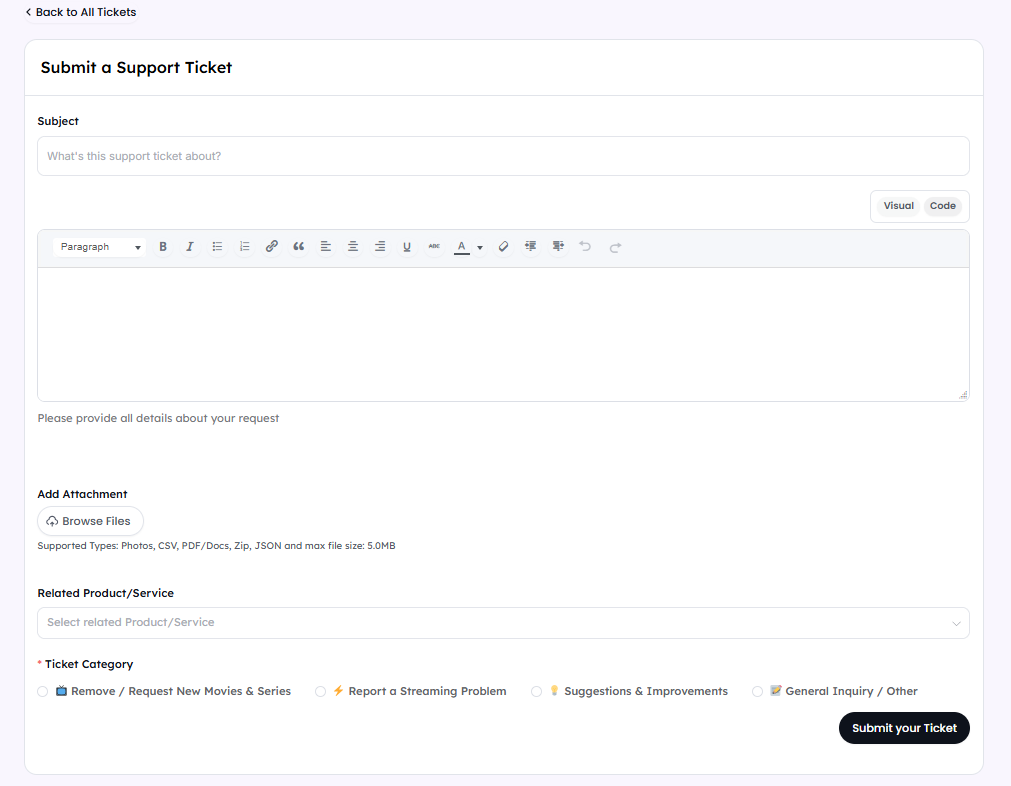
If you’ve followed all these steps and your IPTV subscription is still not working, don’t hesitate to reach out to us. go to My Account page, navigate to the support section and submit a support ticket. our support team will be ready to assist you with any issues you may be facing.